
Money
Payouts, statements and invoices
pro.pyryx.com/argent/relevesSee this screen in the demo
All the documents for your accounts: the payout history, a printable statement per period, your monthly commission invoices and the DAC7 summary (the sales declaration that the platform sends to the tax authorities).
 1234
- 1A period’s statement
- 2The statement header
- 3Export for spreadsheets
- 4Printing
What you can do
- Payouts: credited sales, withdrawals and other movements, with their status and the Stripe reference.
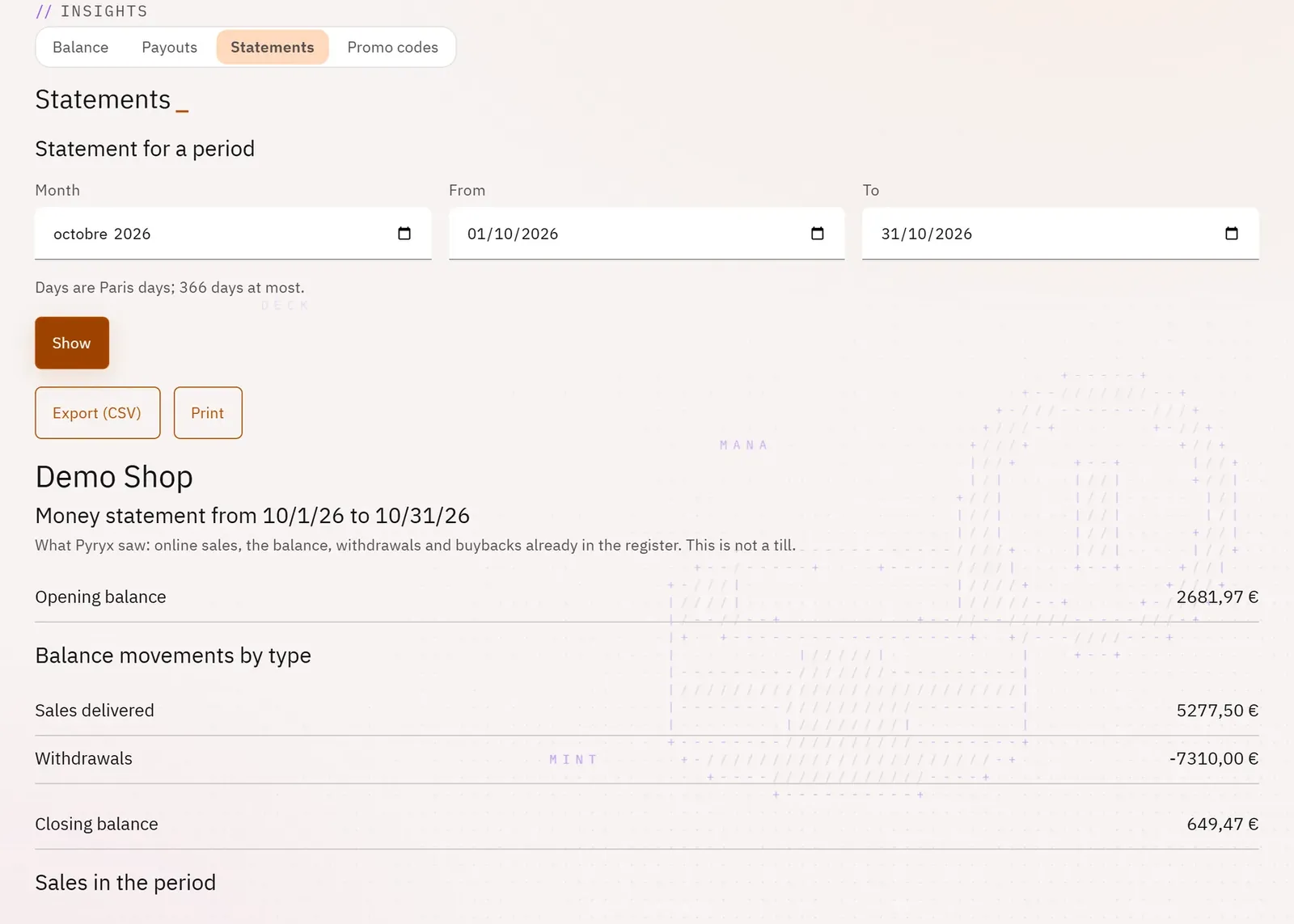
- Statements: opening and closing balance, movements by type, sales for the period, buybacks already in the register, withdrawals.
- Export (CSV) and Print the statement.
- Commission invoices, one per past month, to open and print.
- The DAC7 summary: your sales for the year, by quarter.
Step by step
- In Money, open Statements.
- Choose a Month, or From and To dates, then tap Show.
- Tap Print or Export (CSV).
- Further down, open a commission invoice with View, or choose a Year for DAC7.