
Team
Invite someone and choose their permissions
pro.pyryx.com/equipeSee this screen in the demo
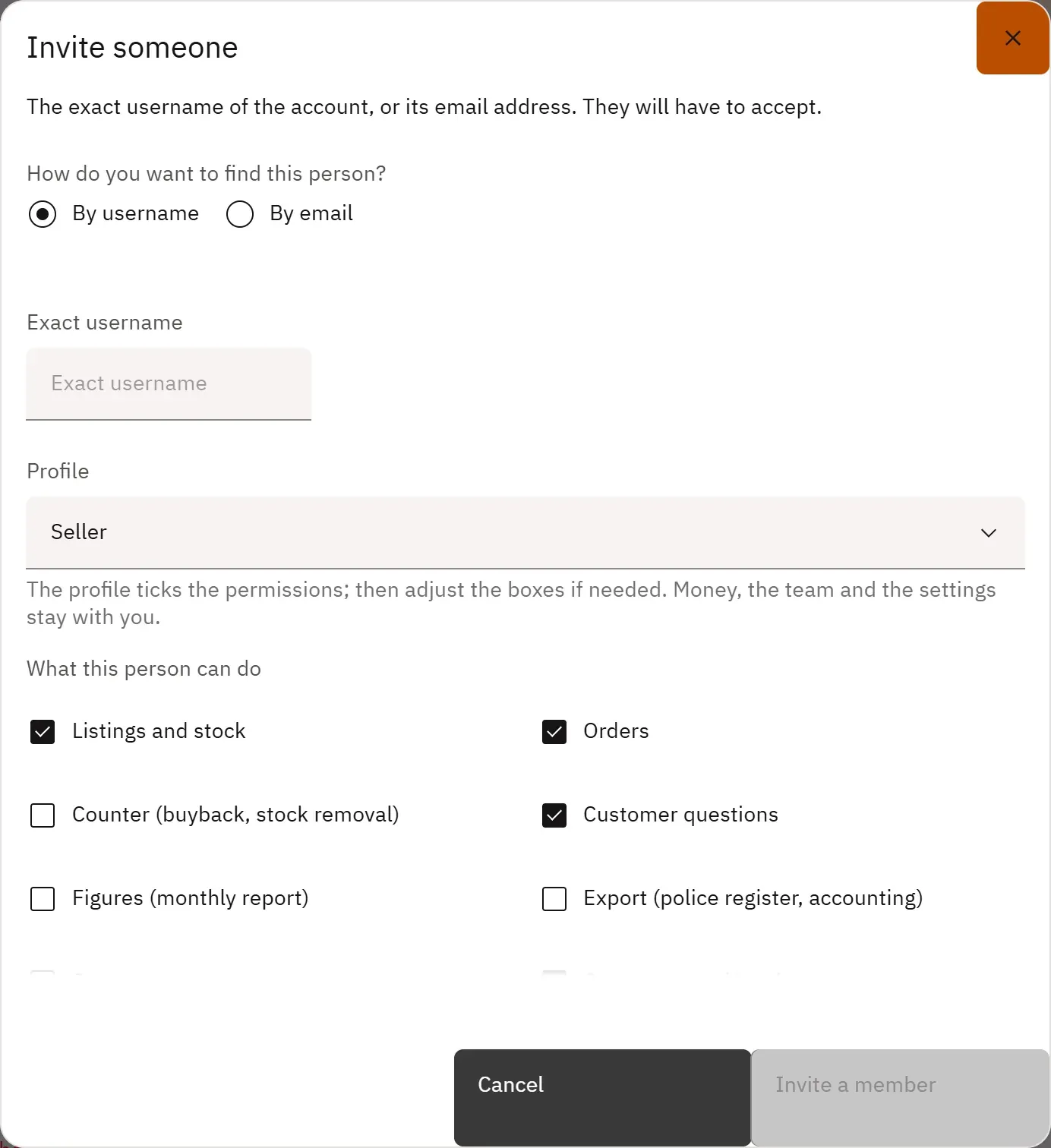
Invite an employee by username or email and give them exactly the permissions their job needs: a profile ticks the boxes for you, then you adjust.
 123
- 1By username
- 2By email
- 3The permissions to tick
What you can do
- Find the person by their exact username or by their email address.
- Six ready-made profiles: Store manager, Seller, Counter, Order picker, Accountant, Event host.
- Permissions box by box: listings and stock, orders, counter, counter sales, questions, figures, export, screens, customers and loyalty, store page, transfers, events, reviews, cancellations, storefront…
- Team codes: a person joins the team by entering the code, without you having to look up their username.
Step by step
- In Team, tap Invite a member.
- Choose By username (or By email) and enter it.
- Choose a Profile, then adjust the boxes.
- Confirm the invitation at the bottom of the window: the person must accept it.