
Buyback counter
Buyback, step 2: the cards, by photo or by keyboard
pro.pyryx.com/comptoir/fiche/nouvelleSee this screen in the demo
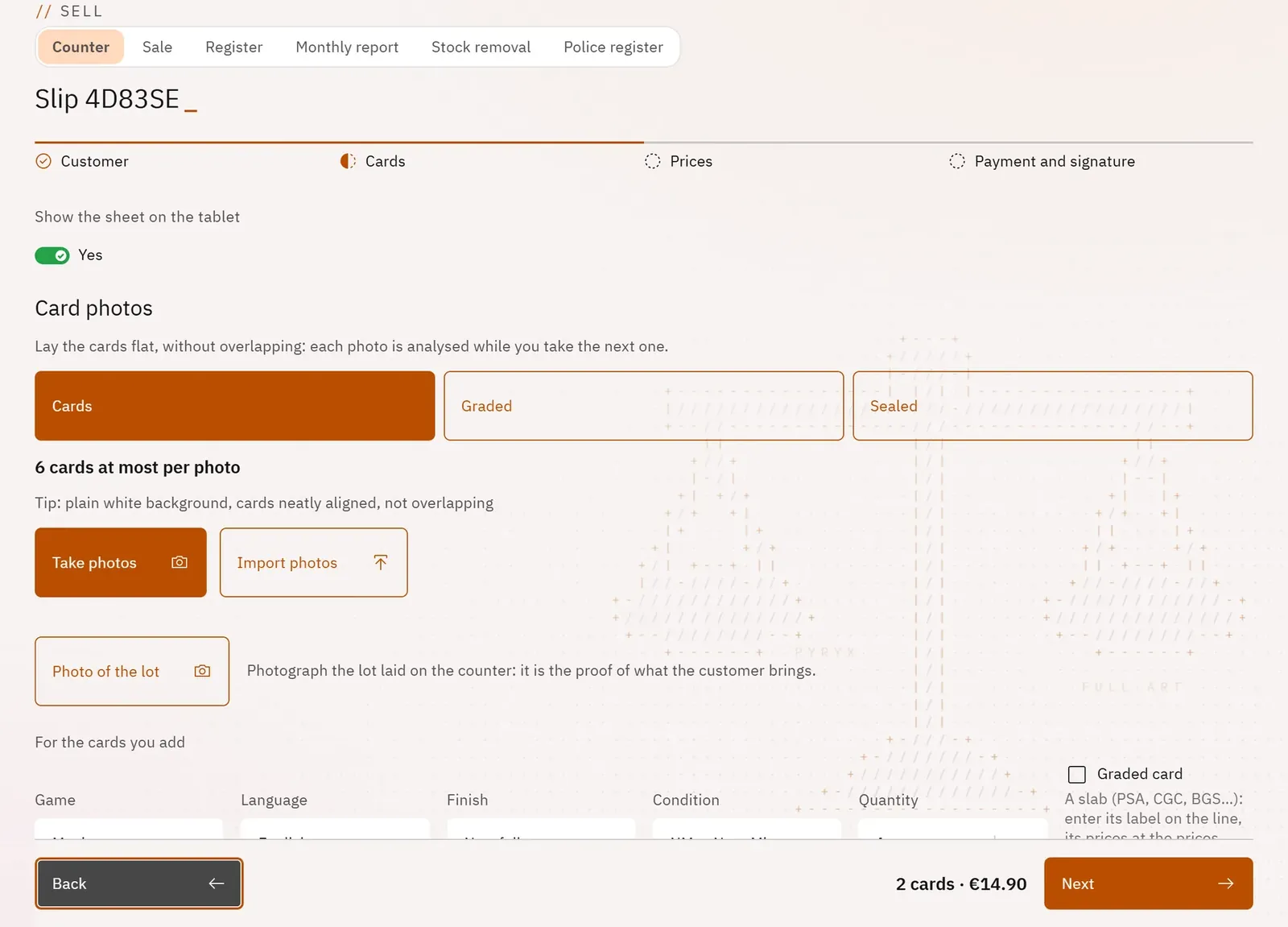
Build the list of cards bought quickly and with the right printing, because the printing determines the price. Photograph the cards laid flat: each photo is analysed while you take the next one. Or type them into a single field.
 123
- 1What you are photographing
- 2Take or import photos
- 3The batch settings
What you can do
- The shot type: “Cards” (6 at most per photo), “Graded” (2 slabs at most, label at the top), “Sealed” (1 product per photo).
- Take photos in a burst, or Import photos; each photo shows its status (“queued”, “analysing…”, “5 cards”).
- A doubtful card becomes “Card to identify”: you tap the right one among those suggested.
- The “Card” field: the card’s name, or its set and number printed at the bottom of the card, then Enter.
- The batch settings: game, language, finish, condition and quantity.
- Sealed products and accessories, from the catalogue or created by the shop; graded cards with grading company, grade and certificate.
- The photo of the batch laid on the counter, and the destination binder for each game.
Step by step
- Set Game, Language and Condition once for the batch.
- Choose the type, tap Take photos, shoot in packs of 6 cards at most, then Done.
- Correct the cards “to identify” by tapping the right card.
- For a card by hand, type its name or “set number” in Card, then Enter.
- Choose the Destination binder for each game, then Next.