
Loyalty
The loyalty log
pro.pyryx.com/fidelite/journalSee this screen in the demo
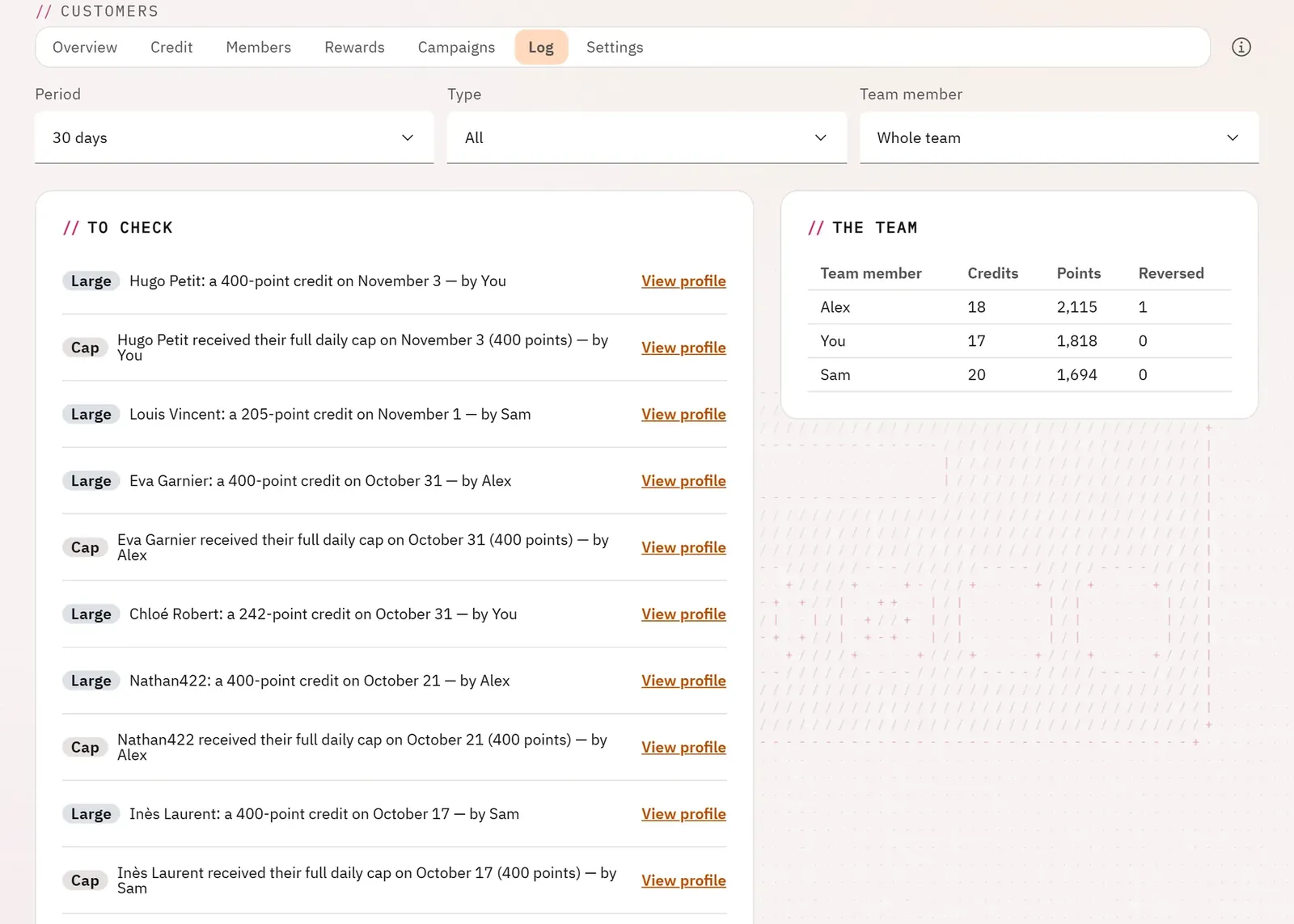
You know who credited what, and you spot an input error or abuse: a customer credited several times on the same day, a cap reached, an unusual credit.
 1
- 1The team
What you can do
- Filter by period, by type (earnings, reversals, vouchers obtained, expiries) and by team member.
- Read the alerts: customer credited several times on the same day, cap reached, large credit.
- See for each team member their credits, their points and their reversals.
- Cancel a wrong credit, after confirmation.
Step by step
- Open the Log tab.
- Read the To check block.
- If a credit is wrong, cancel it from its row and confirm.