
Stock and listings
Products: sealed, accessories, bundles
pro.pyryx.com/stock/produitsSee this screen in the demo
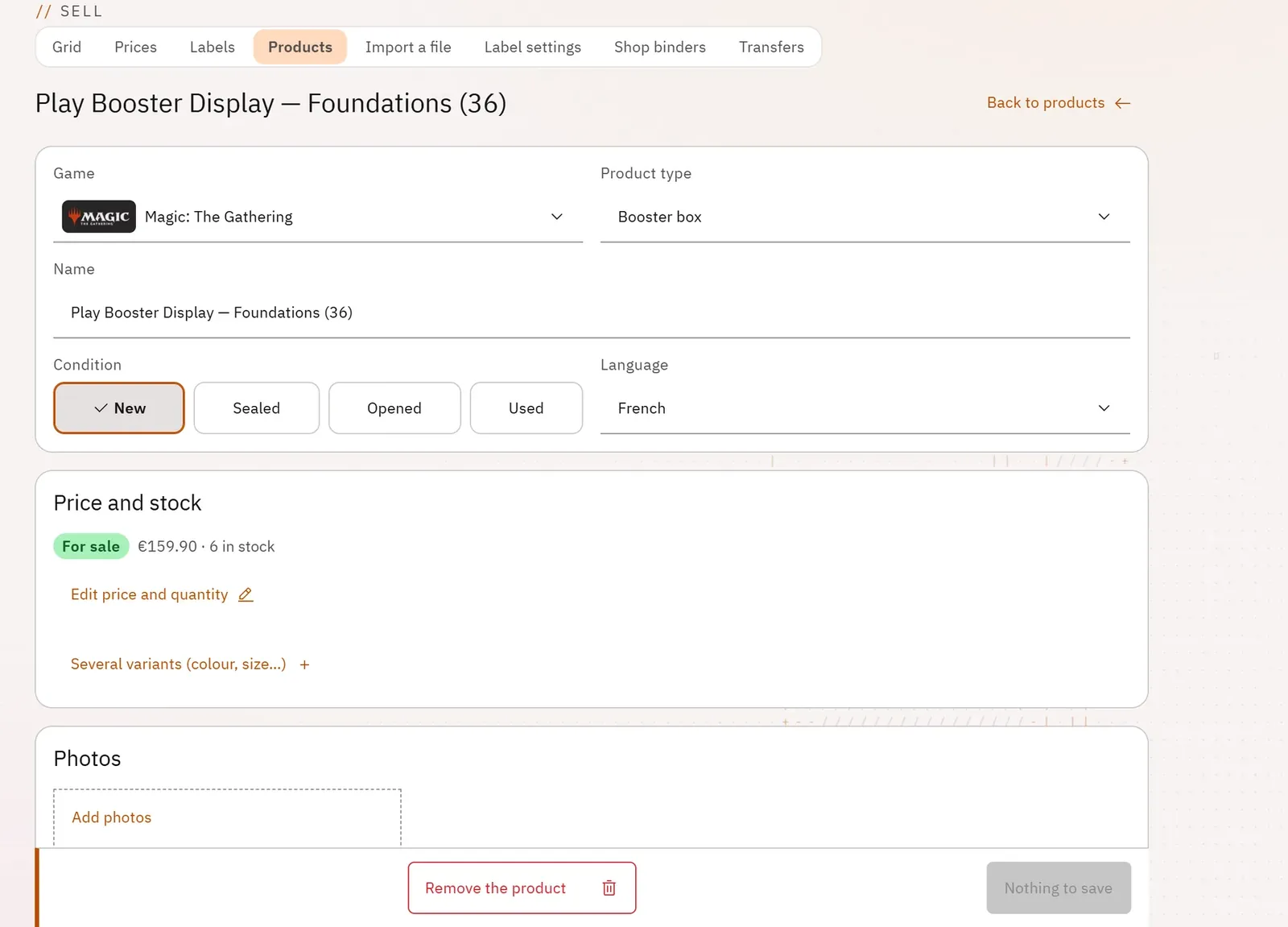
You sell what is not a card: displays, box sets, decks, card sleeves, bundles. A product page describes the product once, with its variants, its photos, its price and its stock.
 12
- 1Price and stock
- 2The photos
What you can do
- List the products with photo, category, condition, price, sale status and stock; search, filter by category or by sale status.
- Create a product: name, game, product type, condition (new, sealed, opened, used), language.
- Set the price and the quantity, and put it on sale or keep it as a draft.
- Add variants (colour, size…), each with its own reference, price and quantity.
- Fill in the brand, the reference, the description, the box contents, the weight, the dimensions, the number of pieces and a location known only to you.
- Add up to eight photos and order them: the first one is the storefront photo.
- Import a CSV or Excel file from your spreadsheet to create or update many products, with a template to download and a preview before the import.
Step by step
- Open the Products tab, then New product.
- Fill in Name, Game, Product type and Condition.
- Enter Price (€) and Quantity.
- Drop your photos into Add photos.
- Click Create and put on sale.
- For a large number of products: Import, Download the template, fill it in, drop it, check the columns, then Import.