
Store profile
News, links and contact
pro.pyryx.com/magasinSee this screen in the demo
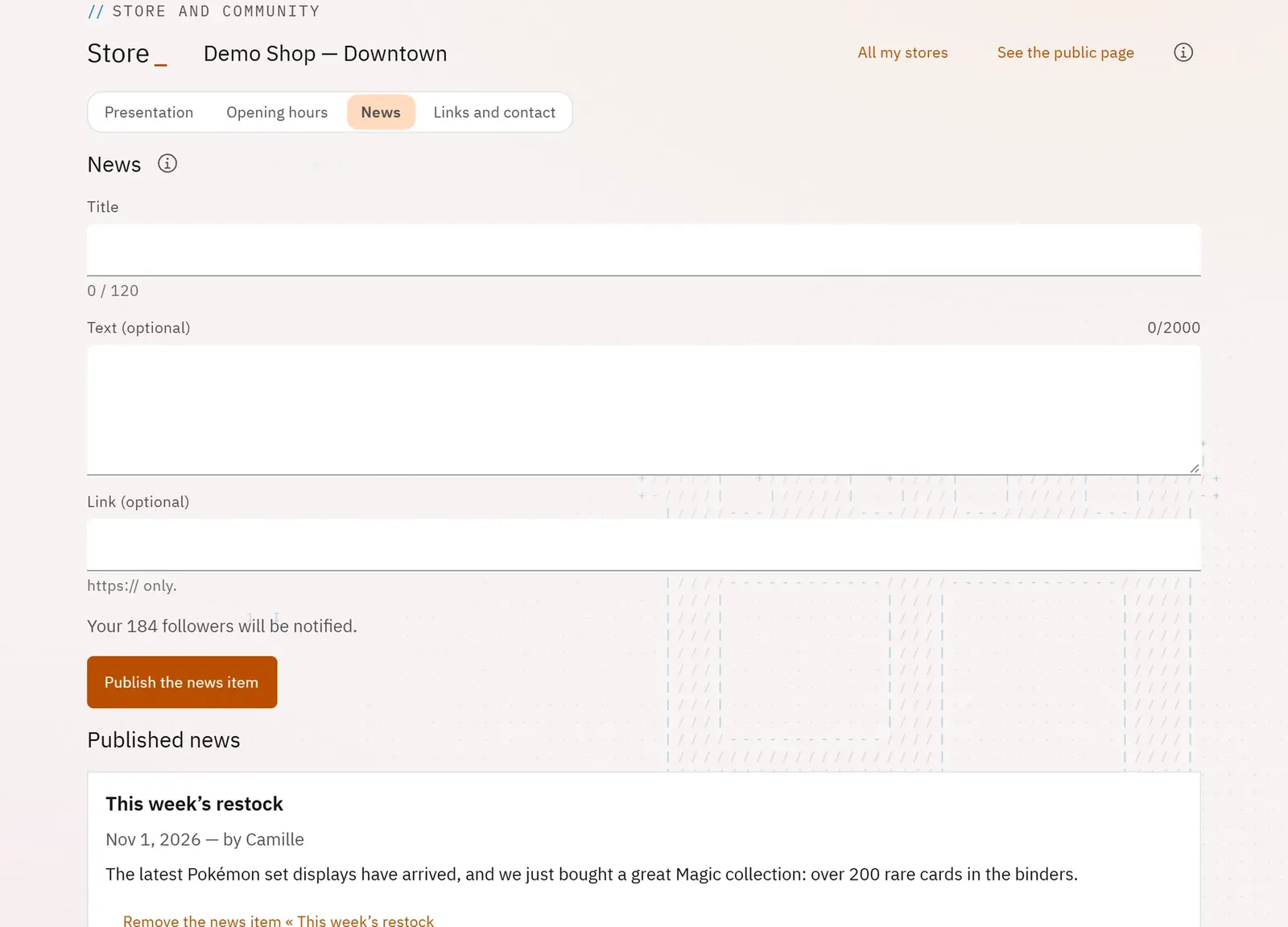
You publish news (a new arrival, a tournament, a closure) on the public page, and the store’s followers are notified. You also give your website and your phone number.
 12
- 1The followers notified
- 2Publish the news item
What you can do
- Publish a news item with a title, a text and a link, after a preview.
- Know how many followers will be notified, then how many were.
- Remove a news item.
- In “Links and contact”: enter the store’s website and phone number; show your Pyryx shop and your creator page on the page.
Step by step
- In the store profile, open News.
- Enter the Title and the text, review the preview.
- Click Publish the news item.
- In Links and contact, enter Website and Phone, then Save the contact details.