
Orders
Preparing orders
pro.pyryx.com/commandes/preparationSee this screen in the demo
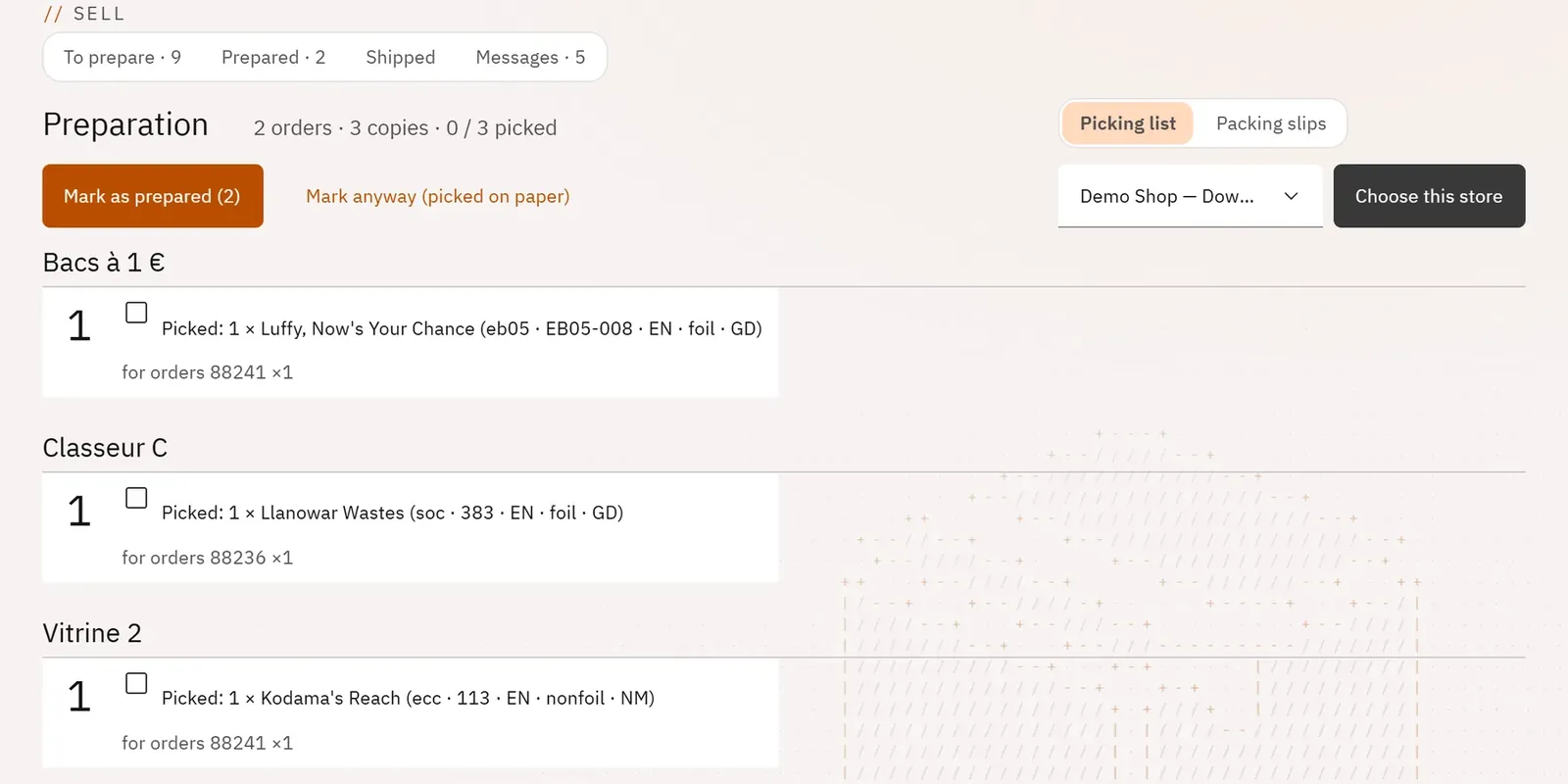
You prepare several orders in a single pass through your storage bins, following the locations. You print one slip per parcel, then you mark the orders as prepared.
 1234
- 1The progress
- 2The packing slips
- 3A line to pick
- 4Mark as prepared
What you can do
- Follow the progress: number of orders, of copies and of lines picked.
- Pick from a list grouped by location, then by binder and by card, with one box per line.
- Print one packing slip per order, on one A4 page: delivery address, delivery method, lines with their location, a box to tick with a pen.
- Mark the orders as prepared, then move on to shipping.
Step by step
- In the queue, tick the orders, then Prepare selection.
- Follow the Picking list and tick each line picked.
- Open Packing slips, then Print the slips.
- Click Mark as prepared, then Ship….