
Buyback counter
Buyback, step 4: payment
pro.pyryx.com/comptoir/fiche/nouvelleSee this screen in the demo
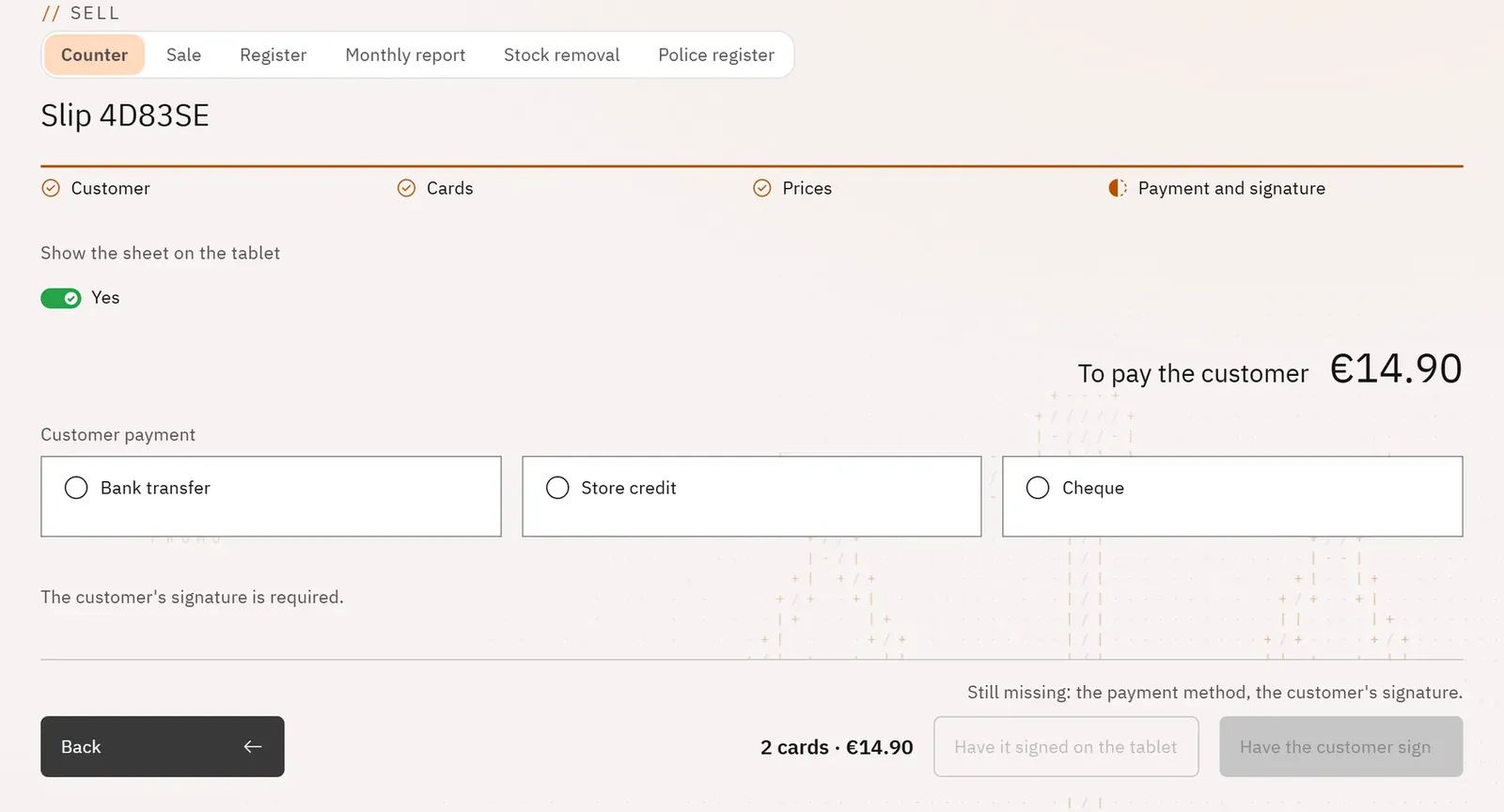
Pay the seller in a traceable way. The amount to pay is shown in large type, and the payment method is recorded on the slip.
 123
- 1The amount to pay the customer
- 2The payment methods
- 3Have the customer sign
What you can do
- “To pay the customer” in large type.
- Three methods: Bank transfer (only the method is recorded, no bank details), Store credit (a personal voucher valid for one year in your online shop), Cheque (with its number).
- Have the customer sign, then Validate the slip.
- With the customer tablet: Have it signed on the tablet.
Step by step
- Choose Bank transfer, Store credit or Cheque (then type the Cheque number).
- Tap Have the customer sign and turn the tablet towards the seller.
- Once it is signed, tap Validate the slip.