
Buyback counter
Buyback, step 3: the prices
pro.pyryx.com/comptoir/fiche/nouvelleSee this screen in the demo
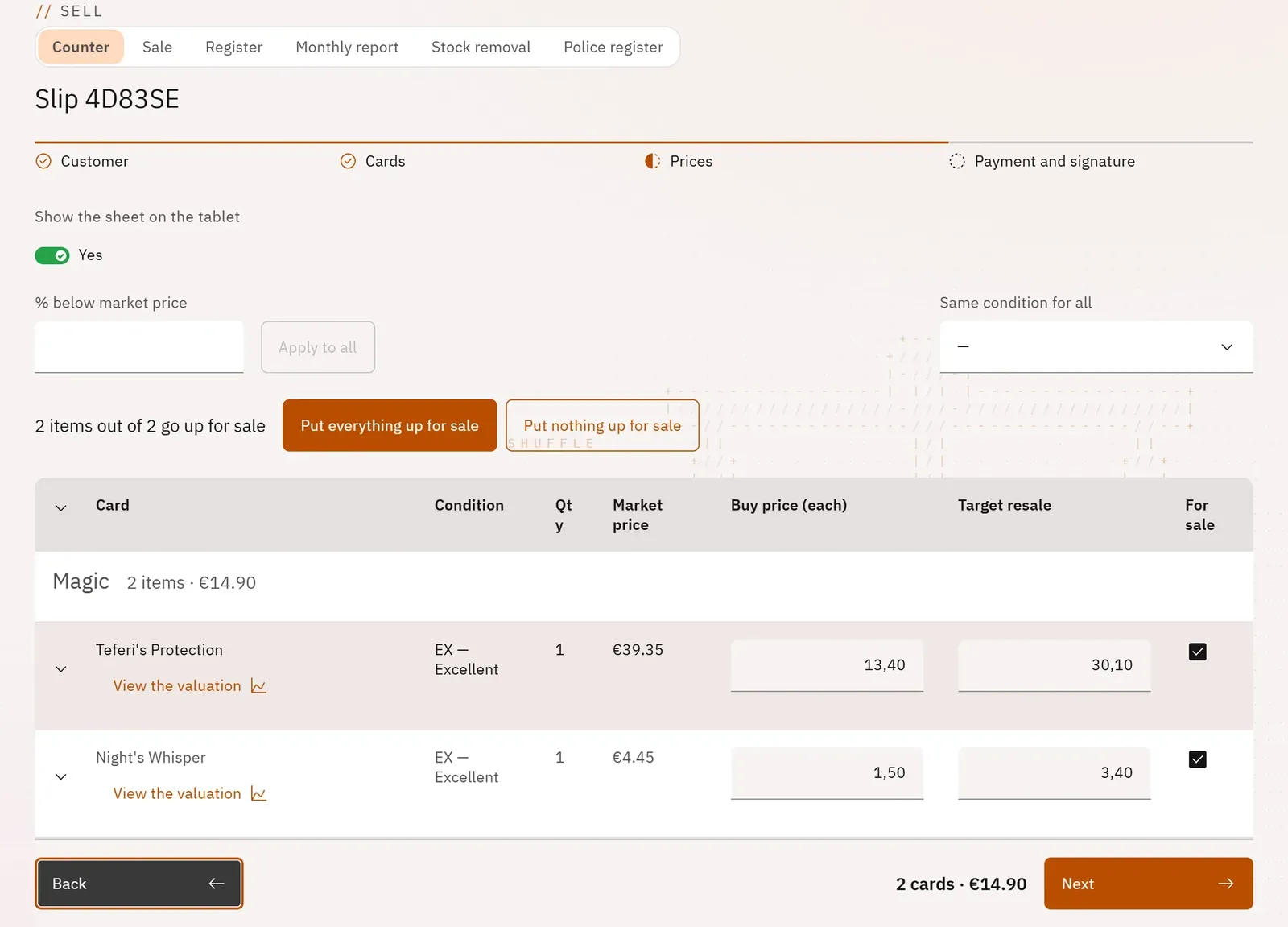
Set the price paid for each card while seeing its market price, the target resale price and the margin. Decide in the same place what will be put up for sale as soon as the slip is validated.
 1234
- 1Apply a discount below market price to all lines
- 2Put everything up for sale in one go
- 3A line and its purchase price
- 4View the card’s valuation
What you can do
- One line per item: condition, quantity, market price, unit purchase price, target resale price.
- “% below market price” and Apply to all, “Same condition for all”.
- Totals per game for a mixed slip, and the total in large type.
- Details to expand: source of the market price, offer compared with the market price, expected margin, recognition by photo.
- The “On sale” column, Put everything up for sale or Put nothing up for sale.
- View the valuation: the card’s full valuation page in a window, without leaving the buyback.
- Additional AI valuation on cards worth €100 or more (Pro Extended).
Step by step
- Check the suggested prices: the market price multiplied by your buyback rate.
- For a batch, type for example 30 in % below market price, then Apply to all.
- Fill in every “To enter” box (type €0 if that is intended).
- Untick “On sale” for what you keep, then tap Next.