
Buyback counter
The counter home screen
pro.pyryx.com/comptoirSee this screen in the demo
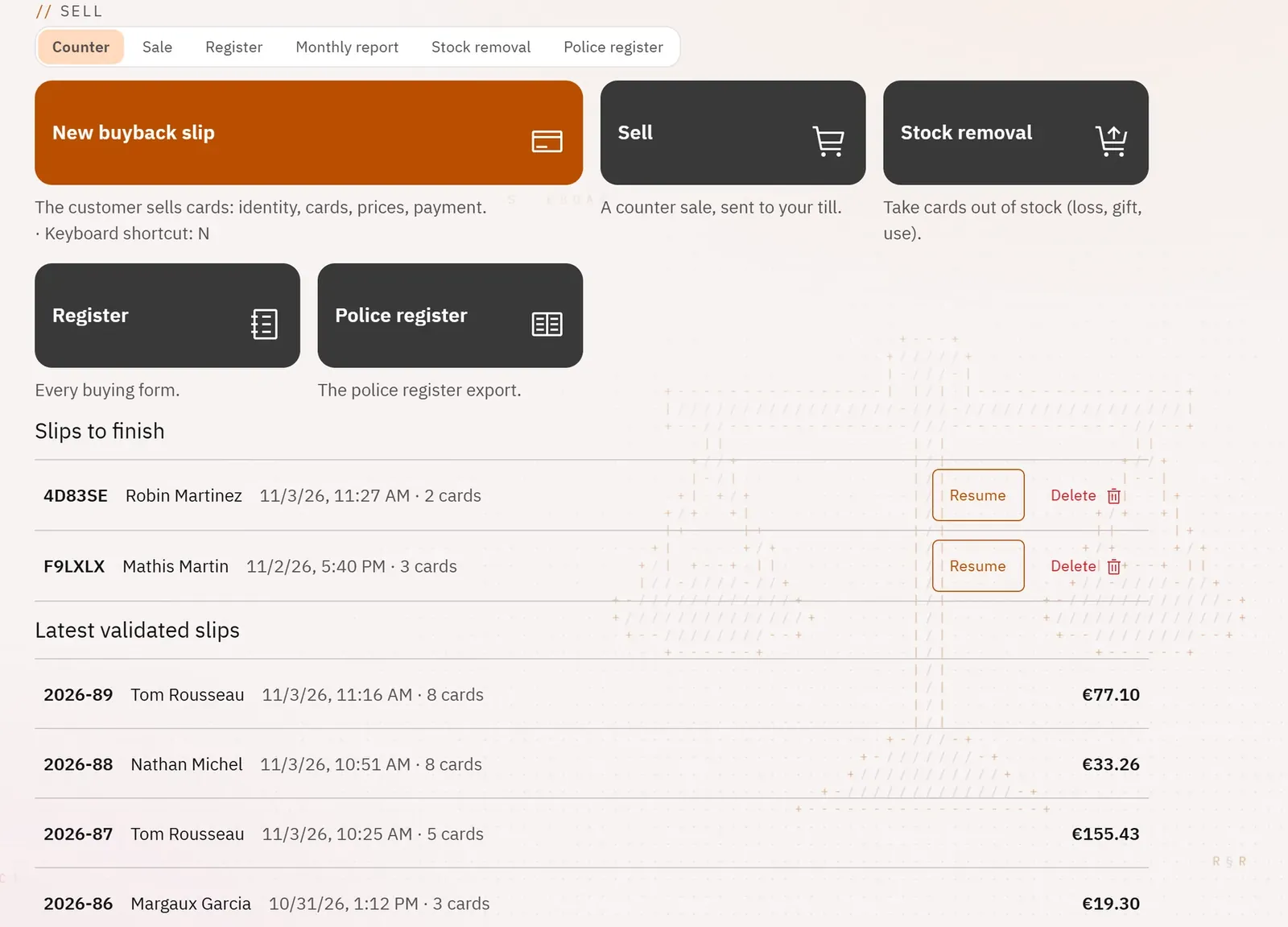
The workstation of the employee at the counter, on a tablet or a computer. A large button to buy back, the other counter actions next to it, then the slips started and still to finish, and the latest validated slips.
 1234
- 1The button to start a buyback
- 2The other counter actions
- 3The started slips to finish
- 4The latest validated slips
What you can do
- The main button New buyback slip, also from the keyboard with the N key.
- The Sell, Stock removal, Register and Police register buttons.
- “Slips to finish”: the slips already started, with Resume and Delete.
- “Latest validated slips”, and See the whole register.
- For the owner: the list of the team’s slips awaiting their approval, with Approve.
Step by step
- Tap New buyback slip (or the N key).
- To finish a started slip, tap Resume on its line.
- To review a validated slip, tap its line under “Latest validated slips”.