
Counter sale
Sale settings
pro.pyryx.com/comptoir/vente/reglagesSee this screen in the demo
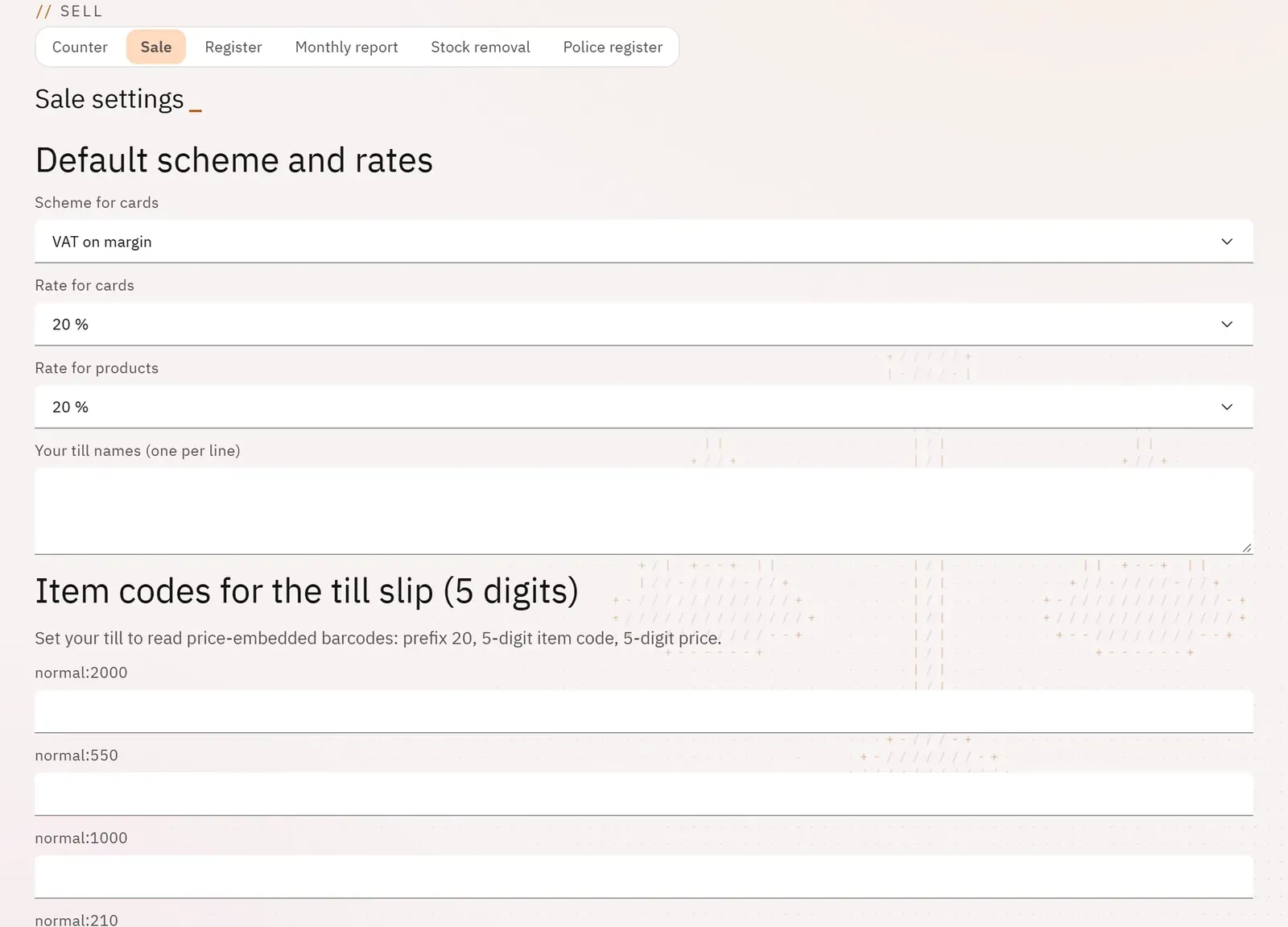
Set once and for all the default VAT, the store’s tills and the link with your POS software.
 12
- 1The default VAT
- 2The store’s tills
What you can do
- The default VAT scheme and rate for cards, the rate for products.
- The names of your tills, one per line.
- The item codes for the till slip (5 digits) for price-embedded barcodes.
- The Hiboutik POS connector, and the latest exchanges with the till.
Step by step
- From the Sale screen, tap Sale settings.
- Choose the scheme and the rates, type the names of your tills, then Save.
- For Hiboutik, fill in the connector, then Save the connector.