
Buyback counter
The monthly report
pro.pyryx.com/comptoir/rapportSee this screen in the demo
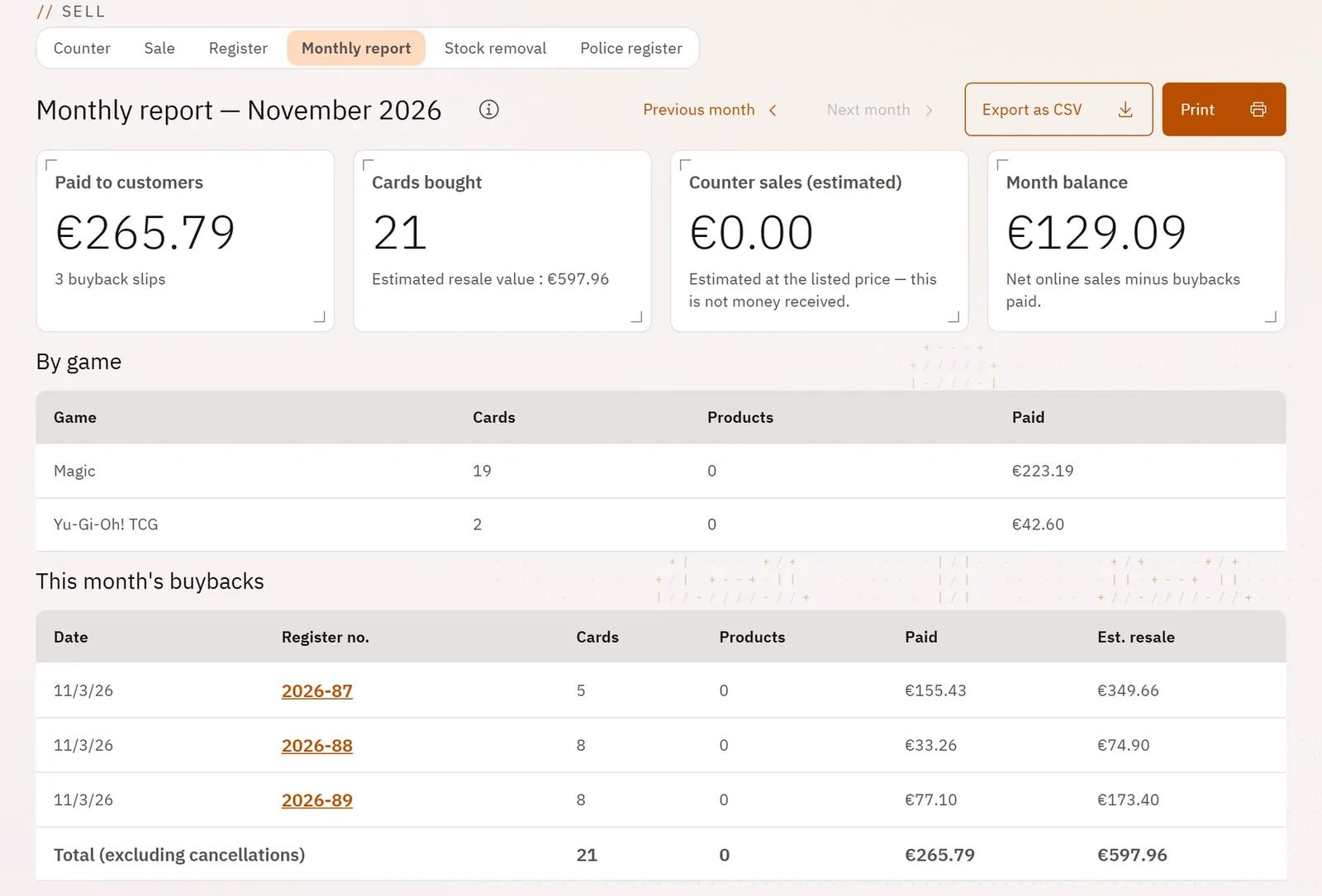
What came in, what went out and the month’s money, in counts and amounts, for your own follow-up and for your accountant. No card and no person appears in it.
 1234
- 1Change month
- 2Export for the accountant
- 3The total paid to customers
- 4The month’s balance
What you can do
- The headline figures: paid to customers, cards bought, counter sales (estimated), month balance.
- The month’s buybacks in a table, with the total excluding cancellations.
- The cost per game.
- Previous month and Next month, Print, Export as CSV (readable in Excel).
Step by step
- Open “Monthly report” in the counter.
- Change month with Previous month.
- Tap Print or Export as CSV.