
Settings
The shop and its contact details
pro.pyryx.com/reglages/boutiqueSee this screen in the demo
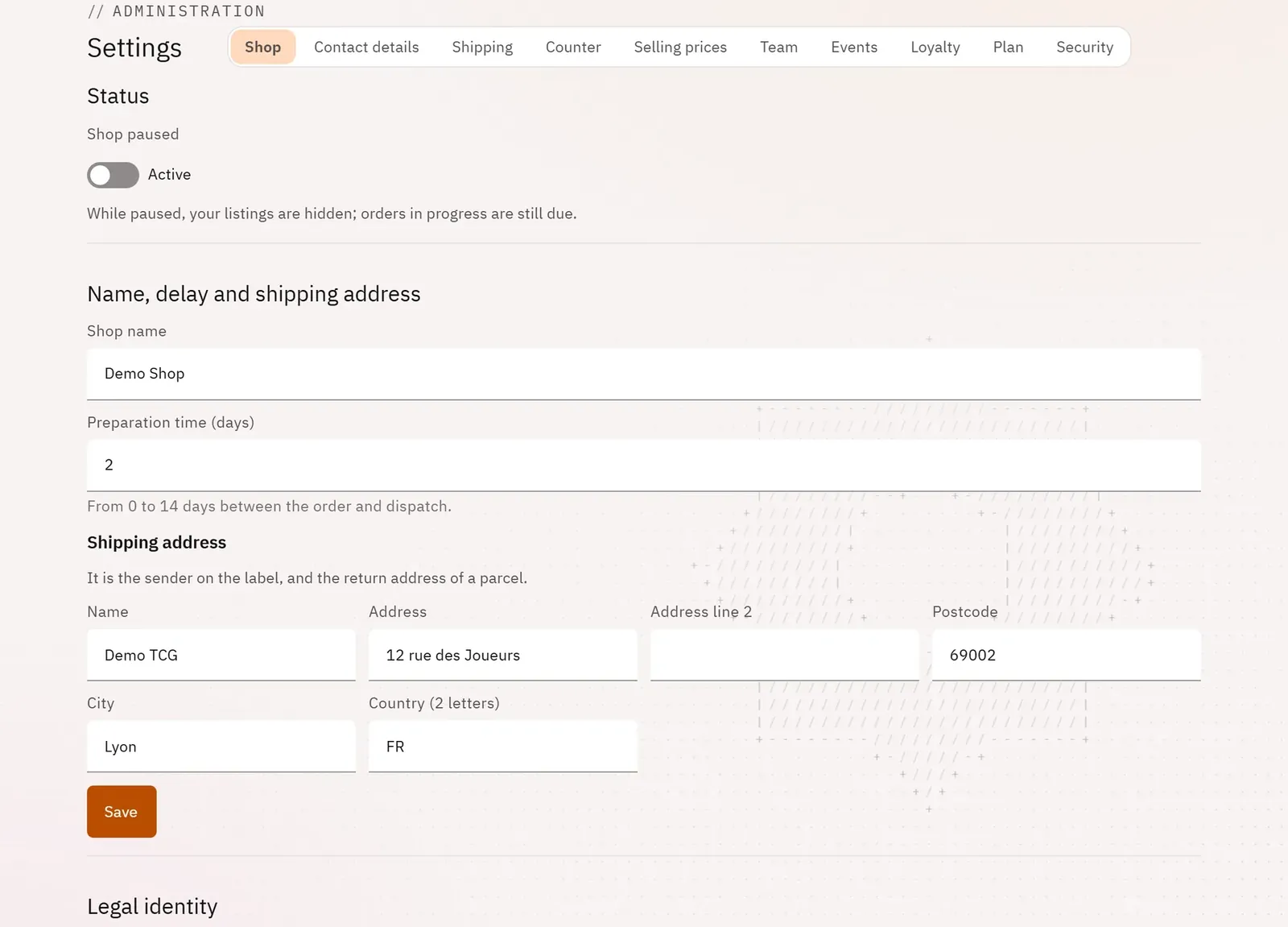
Pause the shop while you are on holiday, with a scheduled reopening, and keep its name, preparation time, shipping address and public contact details up to date.
 123
- 1The settings sections
- 2Pause the shop
- 3The shop’s name
What you can do
- Shop paused and an optional Return date: Pyryx reopens the shop at around 8 a.m. that day.
- The shop’s name, preparation time and shipping address.
- Read-only: the legal identity (company name, SIRET, VAT number), the commission and the payment account’s status.
- Contact details section: the legal address, the customer service email and phone number published on the storefront, and the account holder’s private information.
Step by step
- Open Settings: the Shop section appears.
- Switch on Shop paused, then confirm with Pause the shop.
- Tap Schedule a return date and choose the day.