
Orders
Shipping
pro.pyryx.com/commandes/prepareesSee this screen in the demo
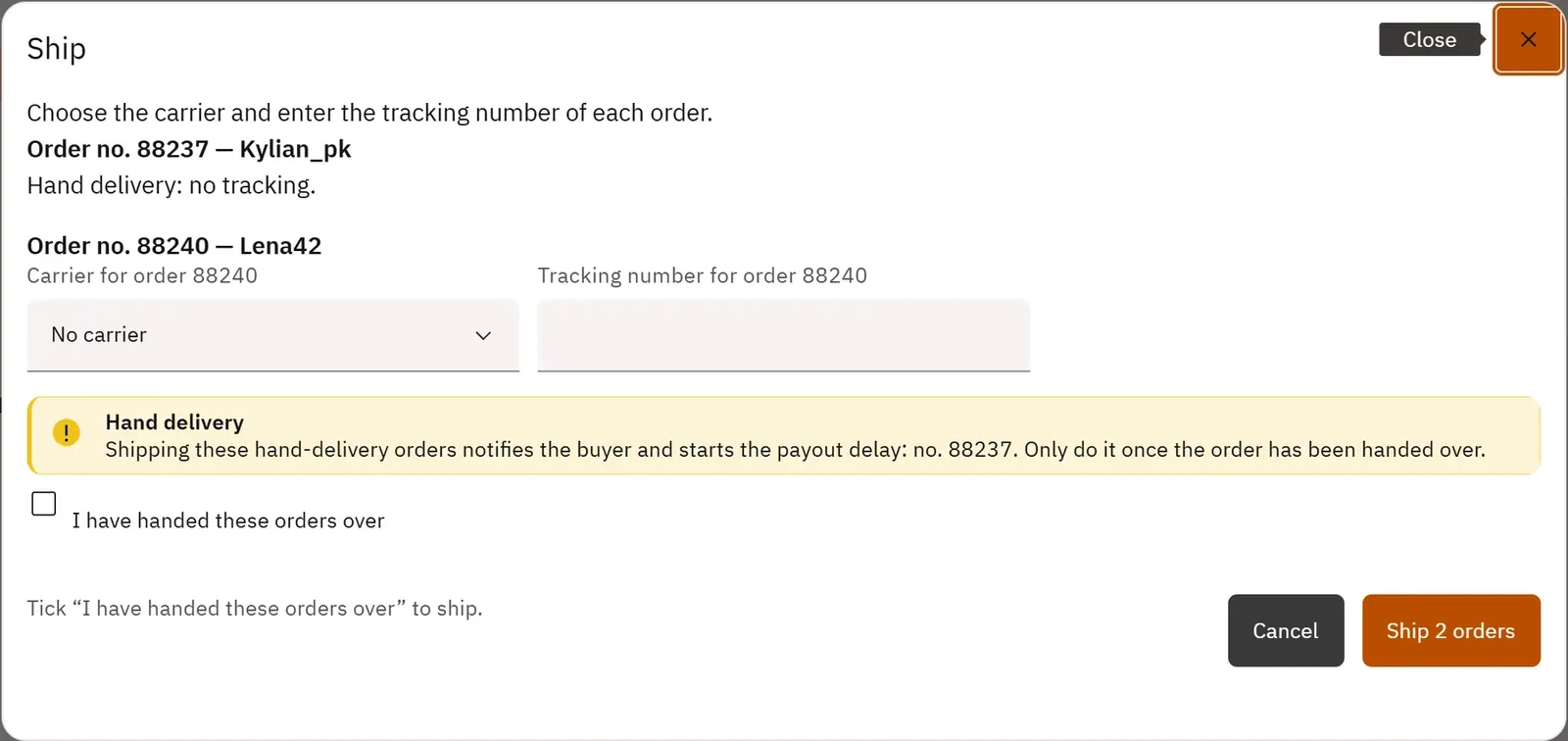
You enter the tracking numbers for a whole batch of parcels in a single window. Each buyer is notified that their order has left.
 123
- 1The carrier
- 2The tracking number
- 3Ship
What you can do
- Choose the carrier and enter the tracking number of each order.
- Ship a hand delivery, without tracking, after confirmation.
- Read the result for each order, with the parcel’s tracking link.
- Ship large batches in several successive sends in the same window.
Step by step
- In Prepared, tick the orders, then Ship selection.
- For each order, choose the carrier and paste the tracking number.
- Click Ship … orders.