
Buyback counter
Buyback, step 1: the customer
pro.pyryx.com/comptoir/fiche/nouvelleSee this screen in the demo
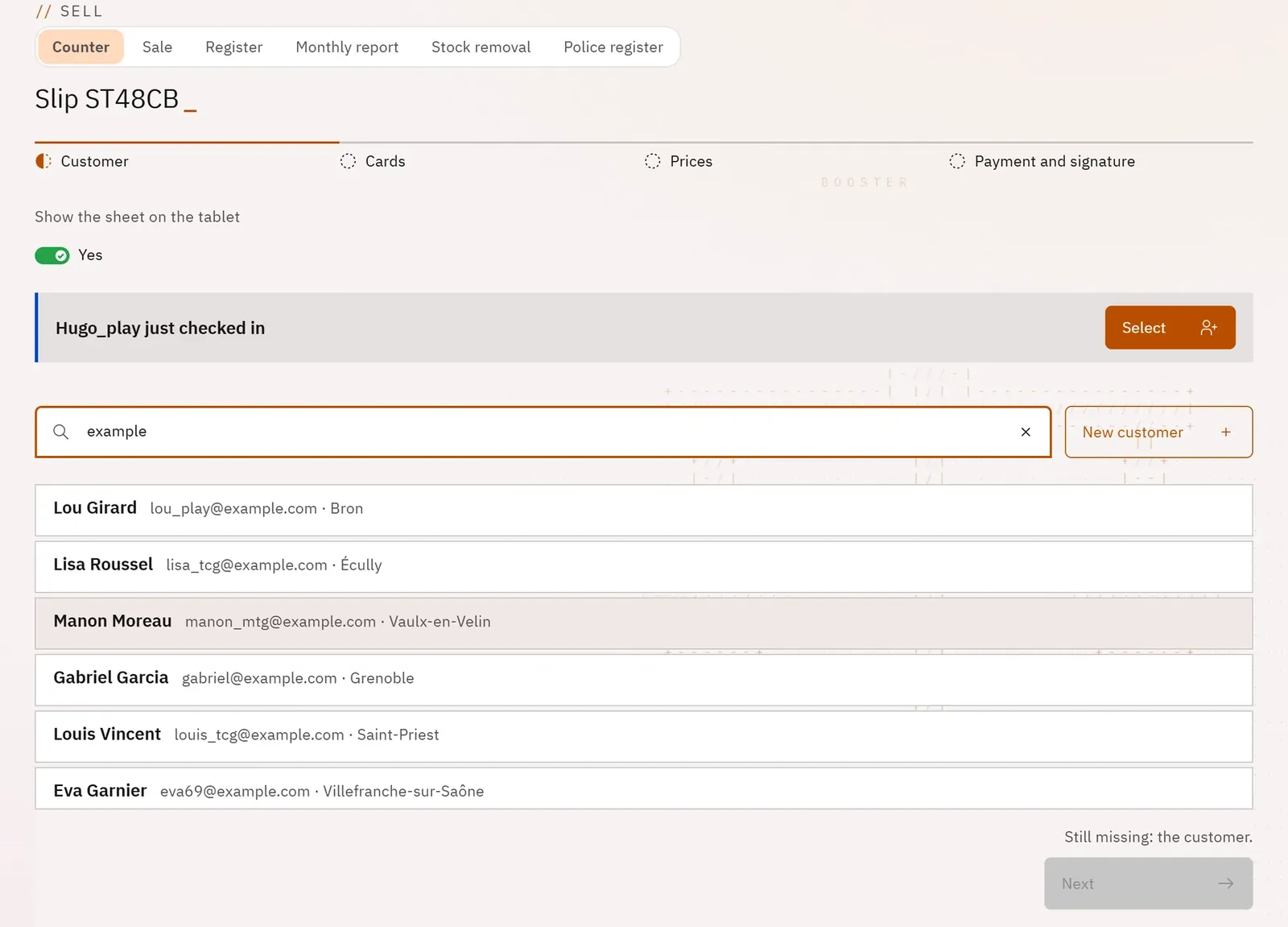
Link each buyback to a real customer of the shop, without retyping everything when they are already known. The screen then only asks for what the register is missing, taken from their ID document.
 12
- 1Search for a shop customer
- 2Create a new customer
What you can do
- Search for a shop customer by name or email.
- Read the Pyryx code the customer shows on their phone (8 characters, valid for 10 minutes): their record fills itself in.
- Create a new customer, with or without an email address.
- Record only the missing fields: place of birth, document presented, number, date and issuing authority.
- With the shop’s customer tablet: choose the customer who has just scanned its QR code, or have them fill in their identity themselves.
Step by step
- Type the name or email in Search a customer (email or name) and tap the right customer.
- Or type their code in Or the customer’s Pyryx code, then Use this code.
- Or tap New customer, fill in the form, then Create the customer and use them.
- Complete the fields requested under “To read off their ID:”.
- Tap Next.