
Events
Create an event
pro.pyryx.com/evenements/nouveauSee this screen in the demo
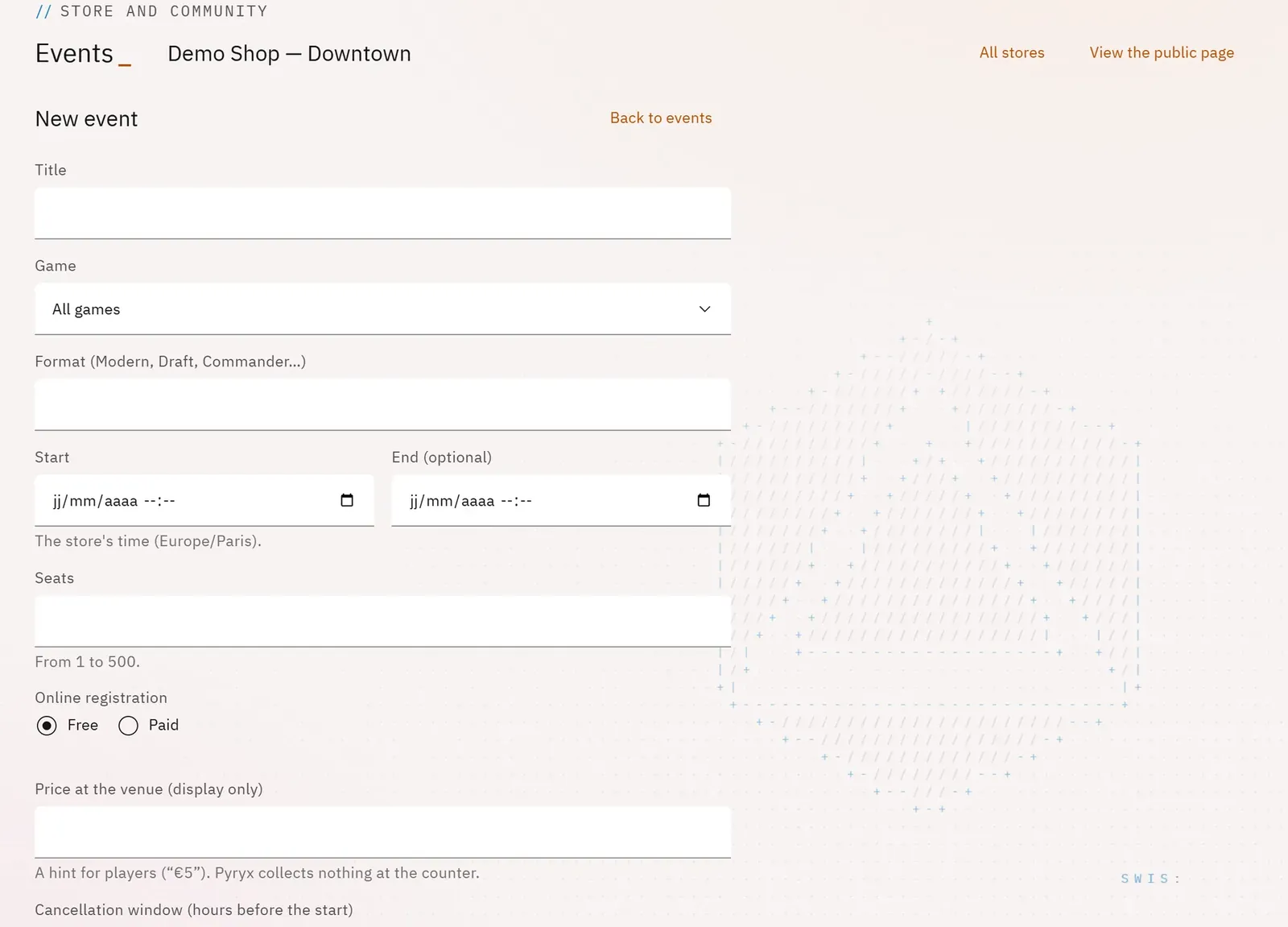
Prepare an event at your own pace: it stays an invisible draft until you publish it. Free or paid online registration, waiting list, cancellation deadline: everything is set here.
 1234
- 1The title
- 2The start date and time
- 3Free or paid registration
- 4The price at the venue, for information
What you can do
- The title, the game, the format (Modern, Draft, Commander…), the start and an optional end.
- The number of seats and, when it is full, a waiting list (free registration).
- Free or Paid online registration, with the price in euros.
- A price at the venue, shown for information.
- How long a player can still cancel their registration, and a description.
Step by step
- In Events, tap New event.
- Fill in Title, Game, Format, Start and Seats.
- Choose Free or Paid; for paid registration, enter the Online price (in euros).
- Tick Open a waiting list when it is full if you wish.
- Tap Save the draft, then publish from the event’s page.