
Online storefront
Featured items
pro.pyryx.com/vitrine/mise-en-avantSee this screen in the demo
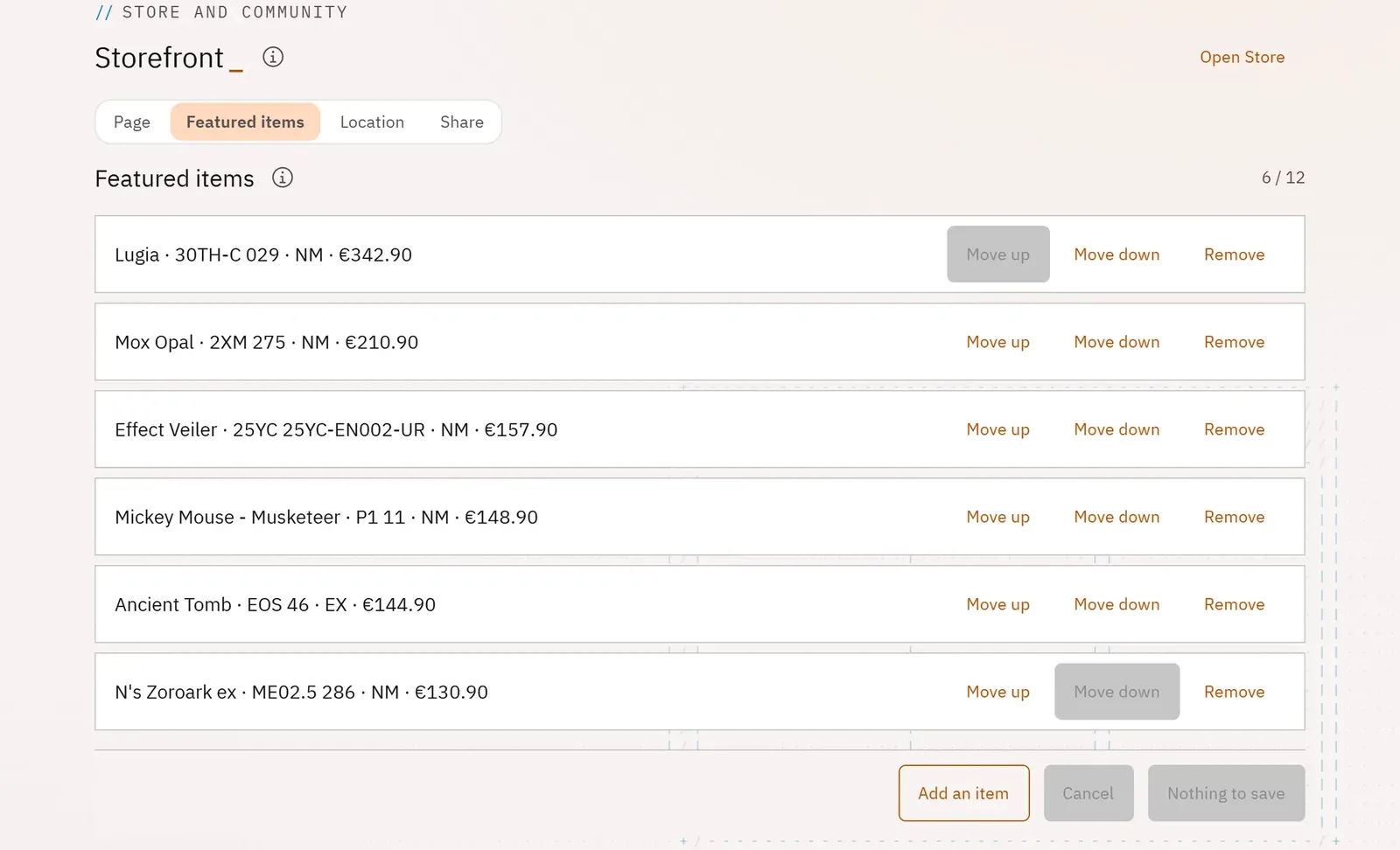
You choose the twelve items shown at the top of your online shop: new arrivals, flagship cards, sealed products.
 123
- 1The number of featured items
- 2Change the order
- 3Add an item
What you can do
- Add up to twelve items on sale, by searching for them among your listings.
- Order them with Move up and Move down, or remove them.
- Be warned that an item is no longer on sale.
Step by step
- Open Featured items.
- Click Add an item, search for the listing, then Add.
- Order with Move up and Move down.
- Click Save the featured items.