
Store profile
The store’s presentation
pro.pyryx.com/magasinSee this screen in the demo
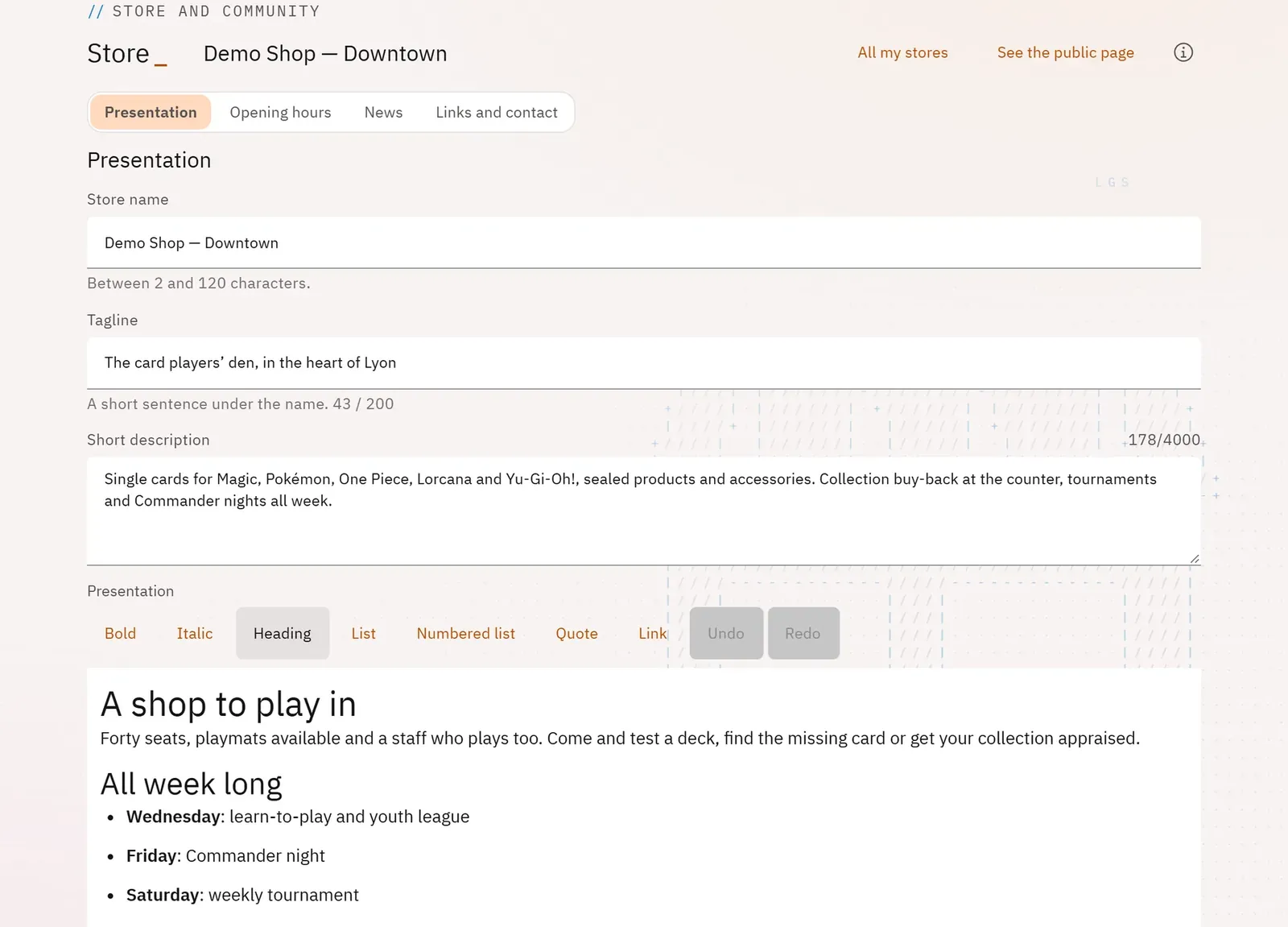
You present your physical store on its public Pyryx page: its name, a tagline, a formatted text and a large image. Players looking for a store near them discover it this way.
 12
- 1View the public page
- 2The page’s sections
What you can do
- Choose the store, when you manage several.
- Edit the store’s name, its tagline, its short description and its presentation, with an editor (bold, italics, headings, lists, quote, links).
- Drop a banner, crop it, remove it.
- Open the store’s public page.
Step by step
- Open Store profile, then choose the store.
- Fill in Tagline (the short sentence under the name) and Presentation.
- Drop an image into the banner, crop it, confirm.
- Click Save the presentation.