
Stock and listings
Acting on a selection
pro.pyryx.com/stockSee this screen in the demo
You change the price, status, condition or language of hundreds of cards at once, or you put the stock on sale in one go. Before applying, Pyryx shows you exactly what will change and what will be left out.
 123
- 1Set prices from the market price
- 2Publish, withdraw or set to draft
- 3Go to the next step
What you can do
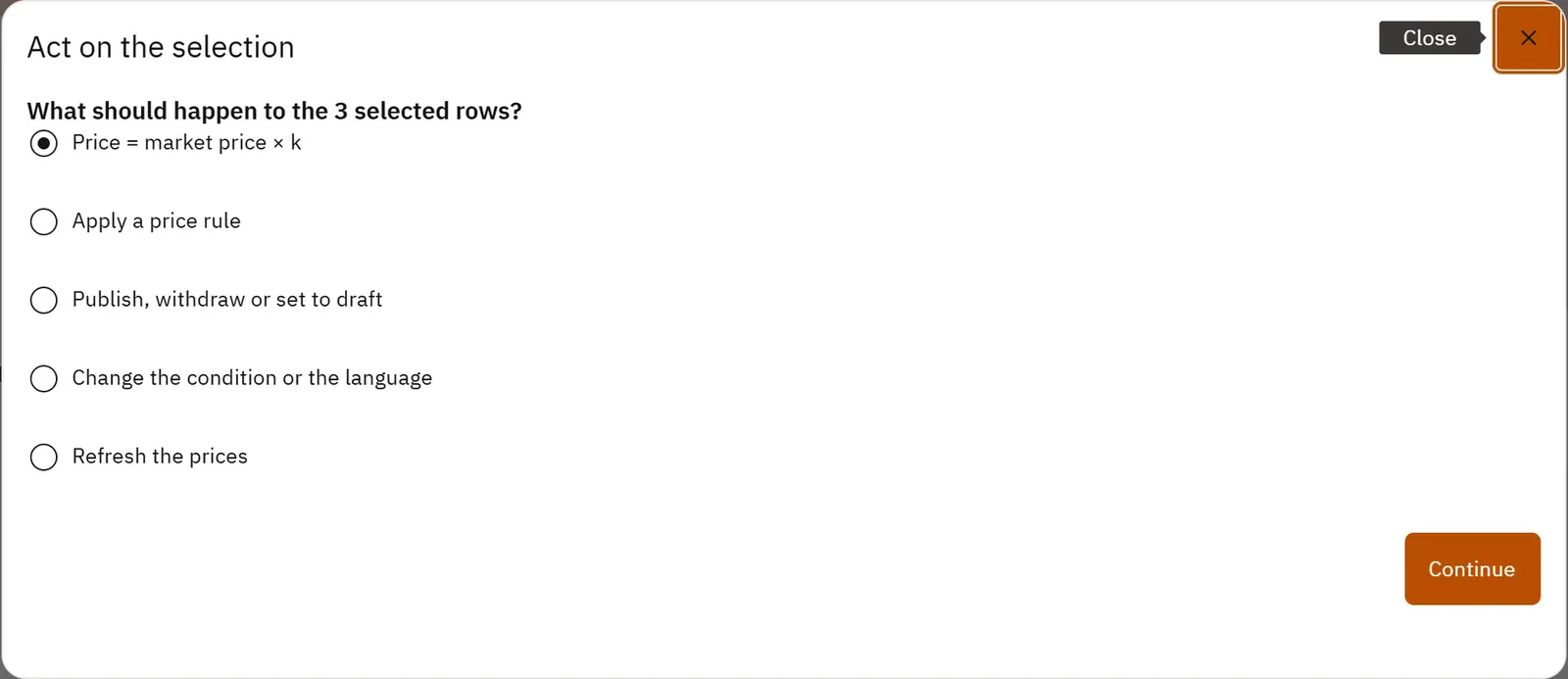
- Price = market price × k: choose the price source, a coefficient (0.95 = 5% below the market price), a rounding step and a floor, with a worked example.
- Apply a price rule (a % gap from the market price and a floor) that the nightly run then recalculates, or remove it.
- Publish, withdraw or set to draft.
- Change the condition or the language.
- Refresh the market prices.
- For stock rows not yet on sale: put them on sale at the formula price, choosing the condition for the cards that have none.
- Read the preview: rows affected, prices that change, online value before and after, rows left out with their reason, “before → after” examples.
- Apply in batches while watching the progress, stop between two batches, read the report.
Step by step
- Tick the cards in the grid, then click Act on the selection….
- Choose Price = market price × k, then Continue.
- Choose the Price source, enter the Coefficient, the rounding step and the Floor.
- Click See the preview and review the examples and the rows left out.
- Click Apply and wait for the Report.