
Security and assistants
Shop security
pro.pyryx.com/reglages/securiteSee this screen in the demo
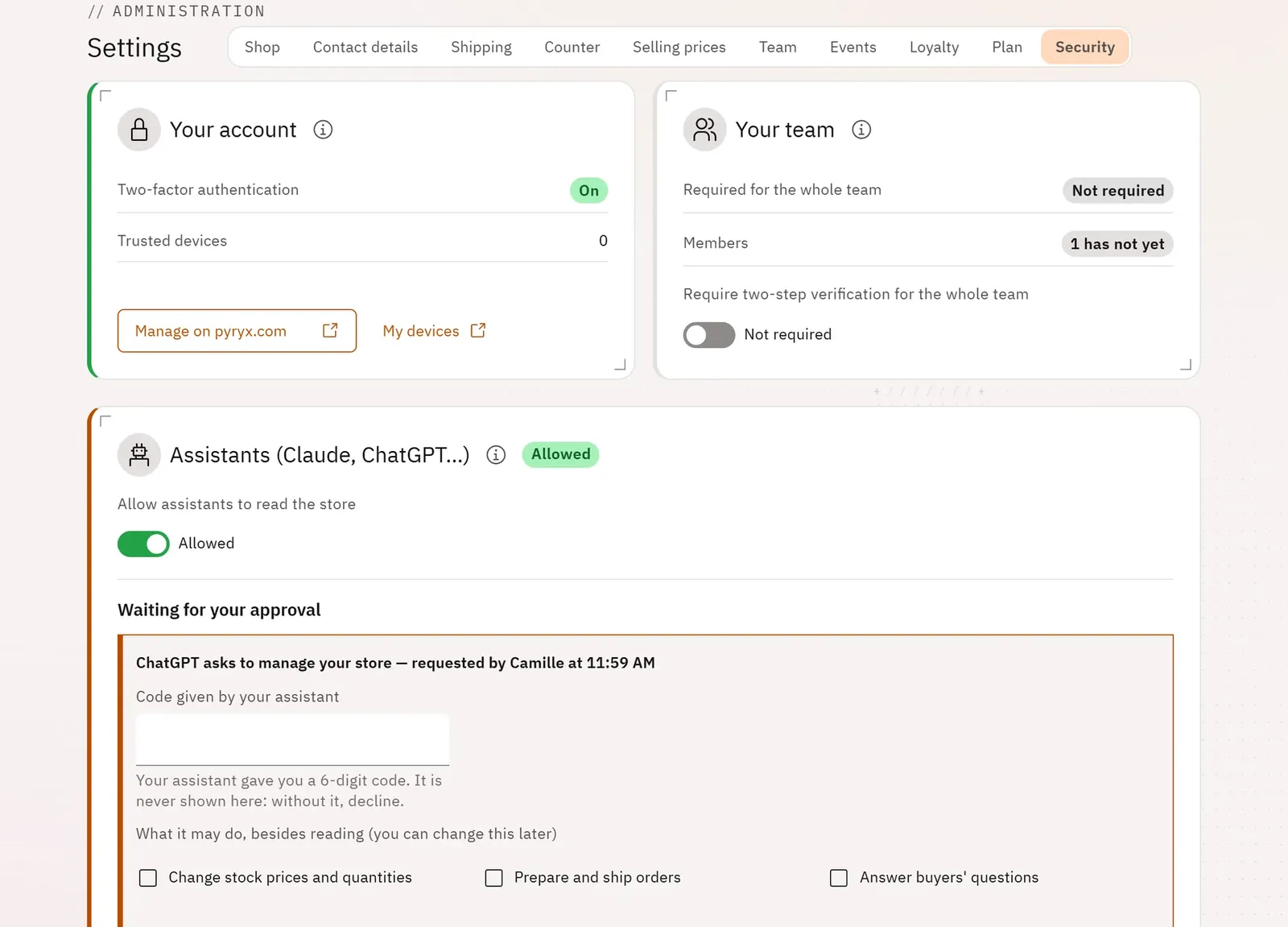
Your shop is protected by two-step verification: a 6-digit code from your authenticator app, at sign-in and before every sensitive action. You can require it from the whole team.
 123
- 1Your account
- 2Your team
- 3Require two-step verification for the team
What you can do
- The Your account card: your two-step verification and your trusted devices.
- The Your team card: how many members have not turned it on yet.
- The Require two-step verification for the whole team switch.
- The screen lock: everyone chooses their PIN in My PIN (account menu); the screen locks after a break, without ever signing you out.
Step by step
- At your first sign-in, scan the QR code with your authenticator app, then enter the 6-digit code.
- On your usual device, answer Trust to “Trust this device?”: you will not be asked for the code for 30 days.
- For the team: Settings › Security, switch on Require two-step verification for the whole team, then Require it.