
Accounting exports
The export for your accountant
pro.pyryx.com/exportsSee this screen in the demo
A period’s sales and buybacks, in two CSV files that open in Excel: everything you need to send your activity to your accountant in one move.
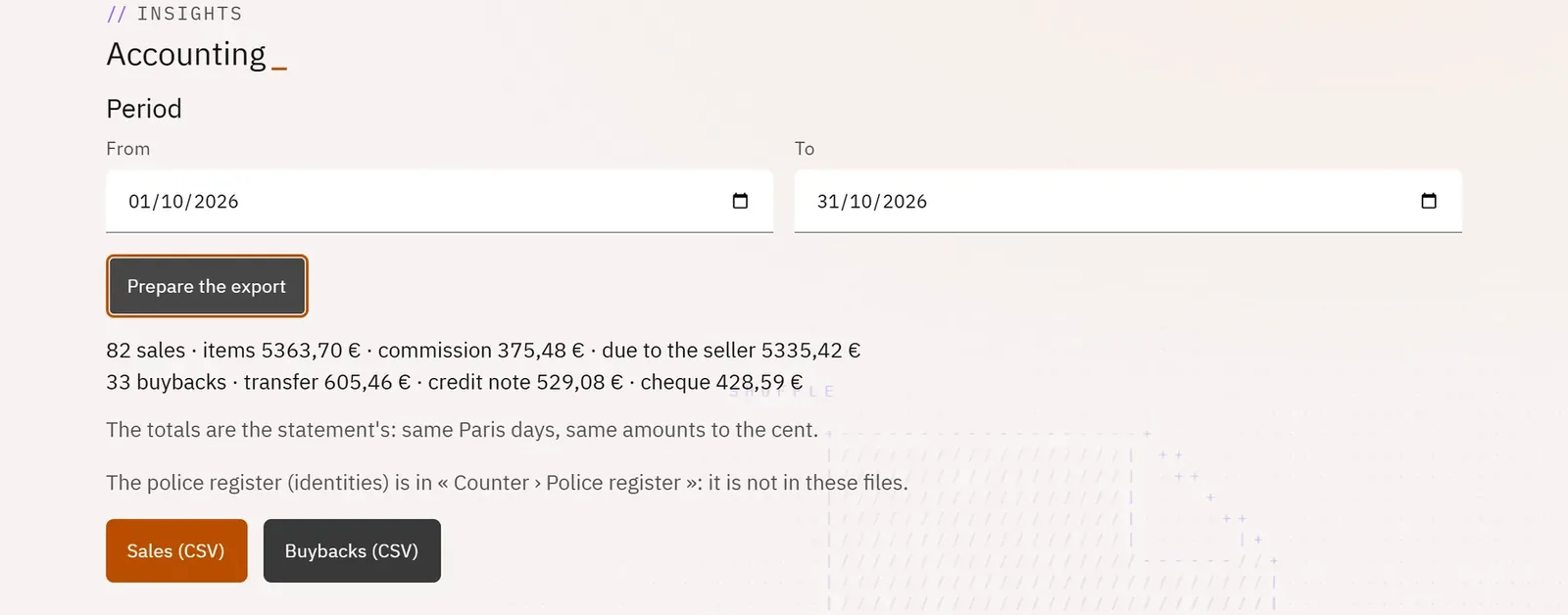 1234
- 1The period
- 2Prepare the export
- 3The period summary
- 4The sales file
What you can do
- A period, the previous month by default.
- A summary: number of sales, items, commission, amount due; number of buybacks and how they were paid.
- Two files: Sales (CSV) and Buybacks (CSV).
Step by step
- Open Exports.
- Choose the period From … To.
- Tap Prepare the export, then enter your code if Pro asks for it.
- Download Sales (CSV) then Buybacks (CSV).