
Settings
Buyback rates and default prices
pro.pyryx.com/reglages/comptoirSee this screen in the demo
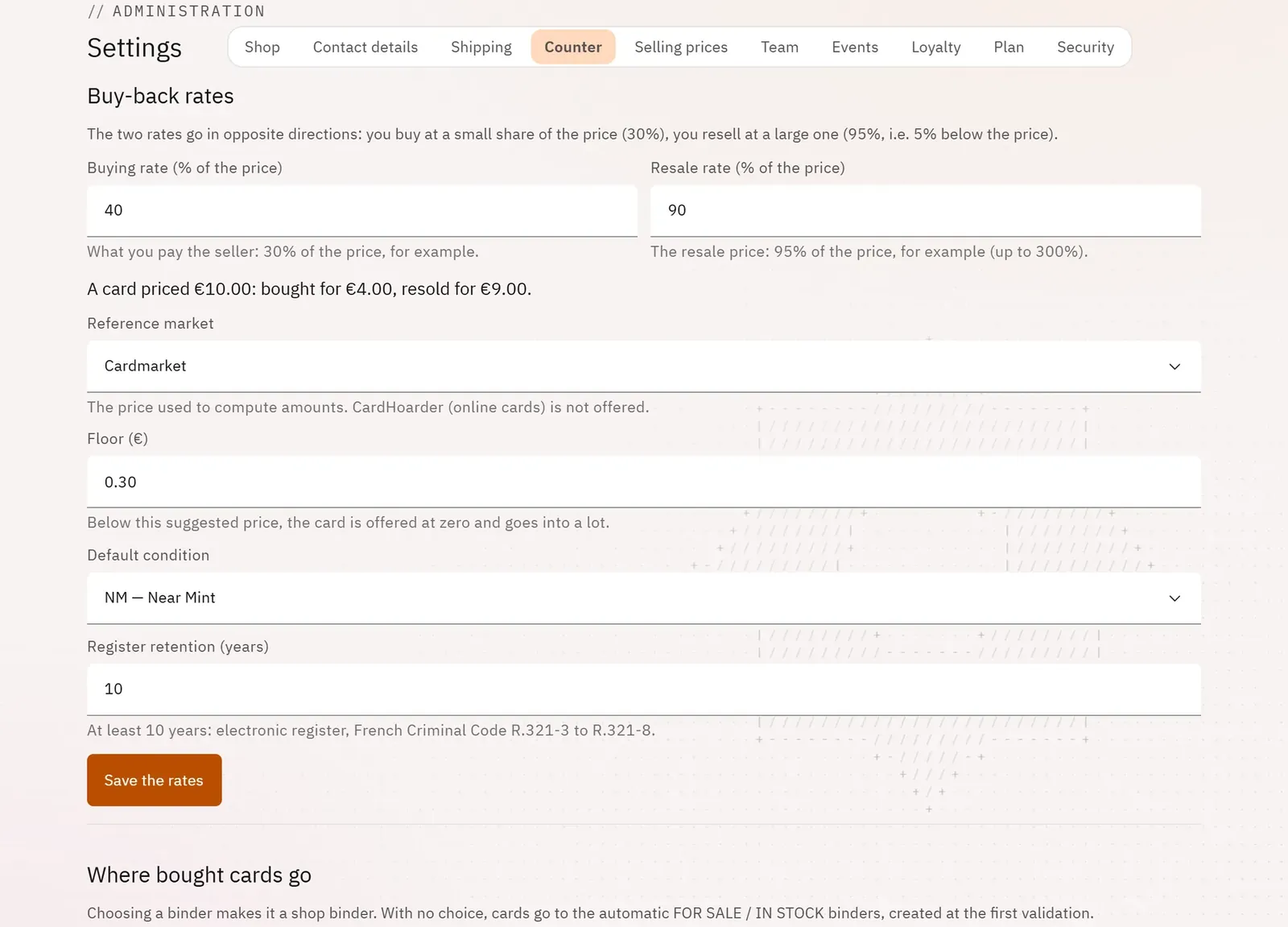
Set your buyback rules once and for all, what your employees can do on their own, and the price formulas suggested by default in the stock.
 1234
- 1The buyback rates
- 2The buying rate
- 3The calculated example
- 4Save the rates
What you can do
- The buying rate and the resale rate (as a % of the market price), the reference market, the floor, the default condition and how long the register is kept.
- A live example: “A card priced at …: bought for …, resold for …”.
- Where bought cards go: the sale binder and the stock binder for each game.
- The team at the buyback counter: listing by employees, approval by a manager above your thresholds, the manager’s code.
- Selling prices section: the price formula and the follow rule suggested by default in stock batches.
Step by step
- Open Settings › Counter.
- Enter the Buying rate (% of the price) and the Resale rate (% of the price); the example updates.
- Tap Save the rates.
- Further down, turn on manager approval if needed, then Set the code.