
Settings
Loyalty, team and event defaults
pro.pyryx.com/reglages/fideliteSee this screen in the demo
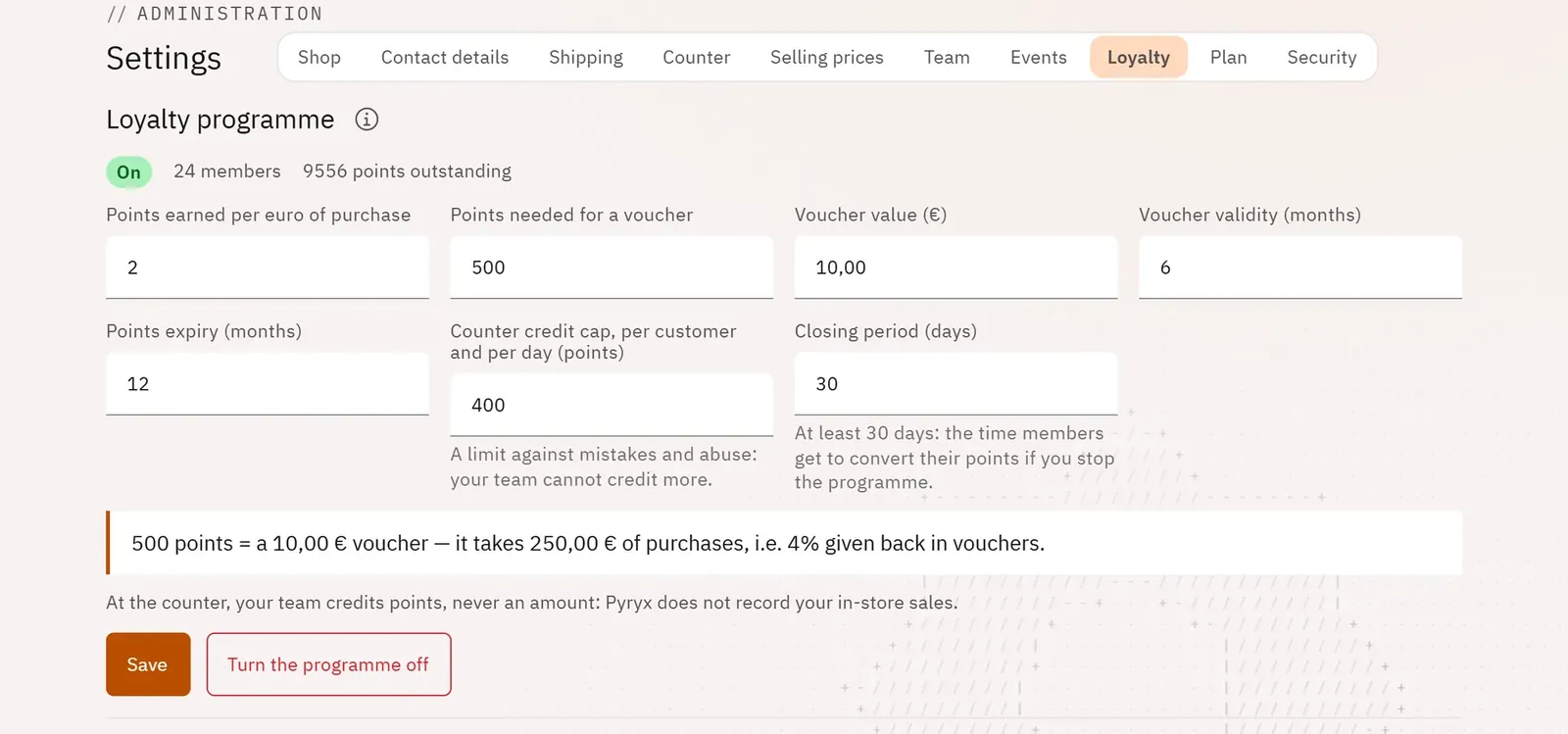
Launch a loyalty programme on your own terms: your customers earn points and turn them into vouchers for your shop themselves. Also set the profile suggested for invitations and the values for a new event.
 123
- 1The programme’s status
- 2Points earned per euro
- 3Turn the programme on
What you can do
- The rates: points per euro, points needed for a voucher, the voucher’s value and validity, points expiry.
- The cap on points credited at the counter per customer per day.
- A preview of the rate actually given back in vouchers.
- Team section: the profile suggested for each invitation.
- Events section: the cancellation deadline and the boxes ticked by default for a new event.
Step by step
- Open Settings › Loyalty and set the rates.
- Tap Turn the programme on.
- Read over the rules your customers will see, tick I have read the rules my customers will see, then Turn on.