
Online storefront
The storefront page
pro.pyryx.com/vitrineSee this screen in the demo
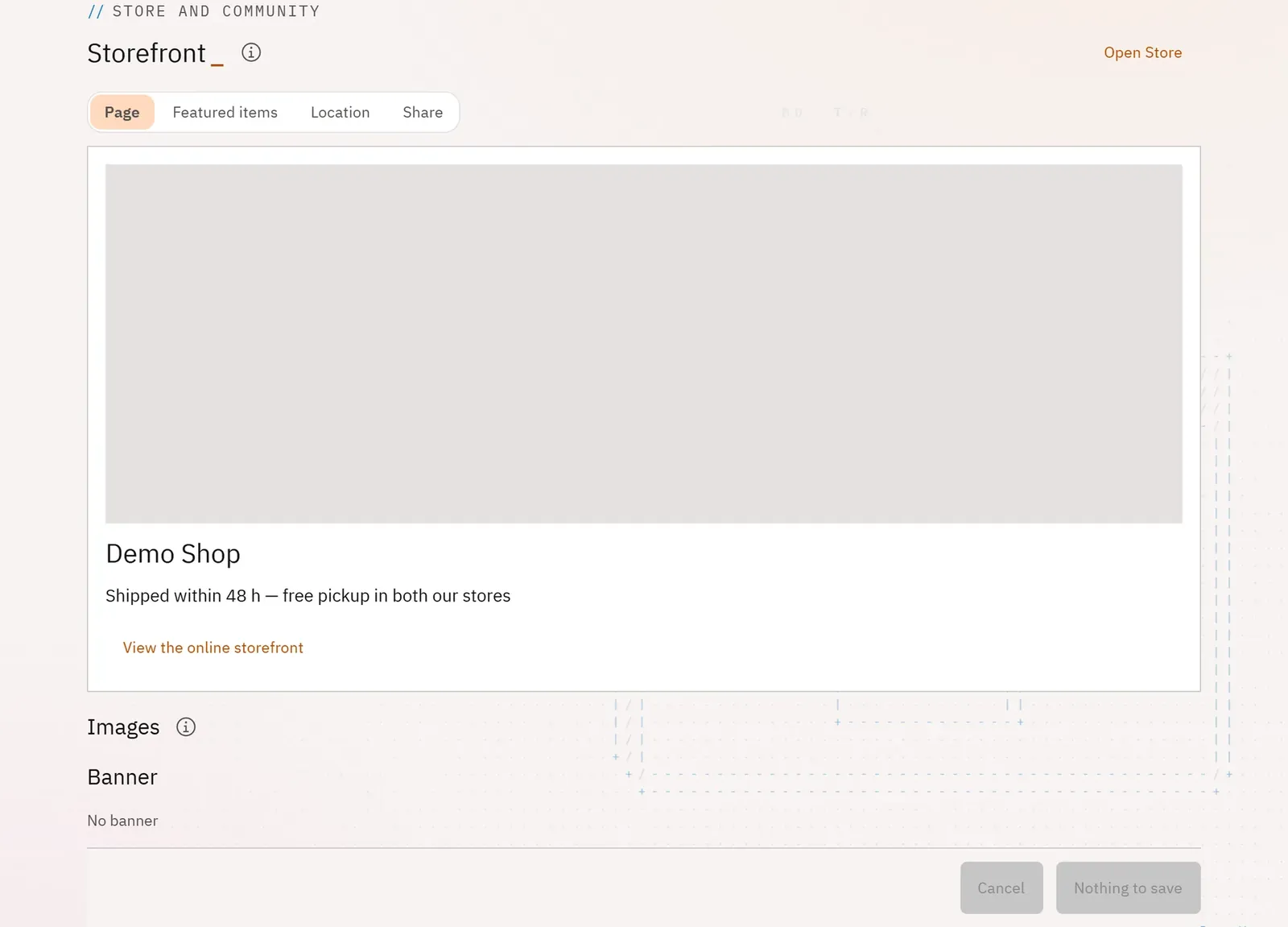
You take care of the home page of your online shop on Pyryx: its image, a message of the moment, a presentation and the terms of sale that the buyer reads before paying.
 12
- 1The storefront preview
- 2View the storefront online
What you can do
- See the storefront preview and open it online.
- Change the banner and the background (owner).
- Write a message of the moment: a promotion, a new arrival, an absence.
- Write the presentation and the terms of sale: return period and costs, required condition, refund.
- Choose the shop’s public location: town, postcode, exact or rounded point, or the position of a store.
Step by step
- Open Online storefront.
- Write the Message of the moment.
- Complete the Terms of sale and return policy.
- Click Save.
- In Location, click Use the store’s position, then Save the location.