
Team
Shared counter tablets
pro.pyryx.com/equipeSee this screen in the demo
A tablet on the counter, shared by the whole team: everyone signs in with their PIN. It only opens the counter, and you keep control of it remotely.
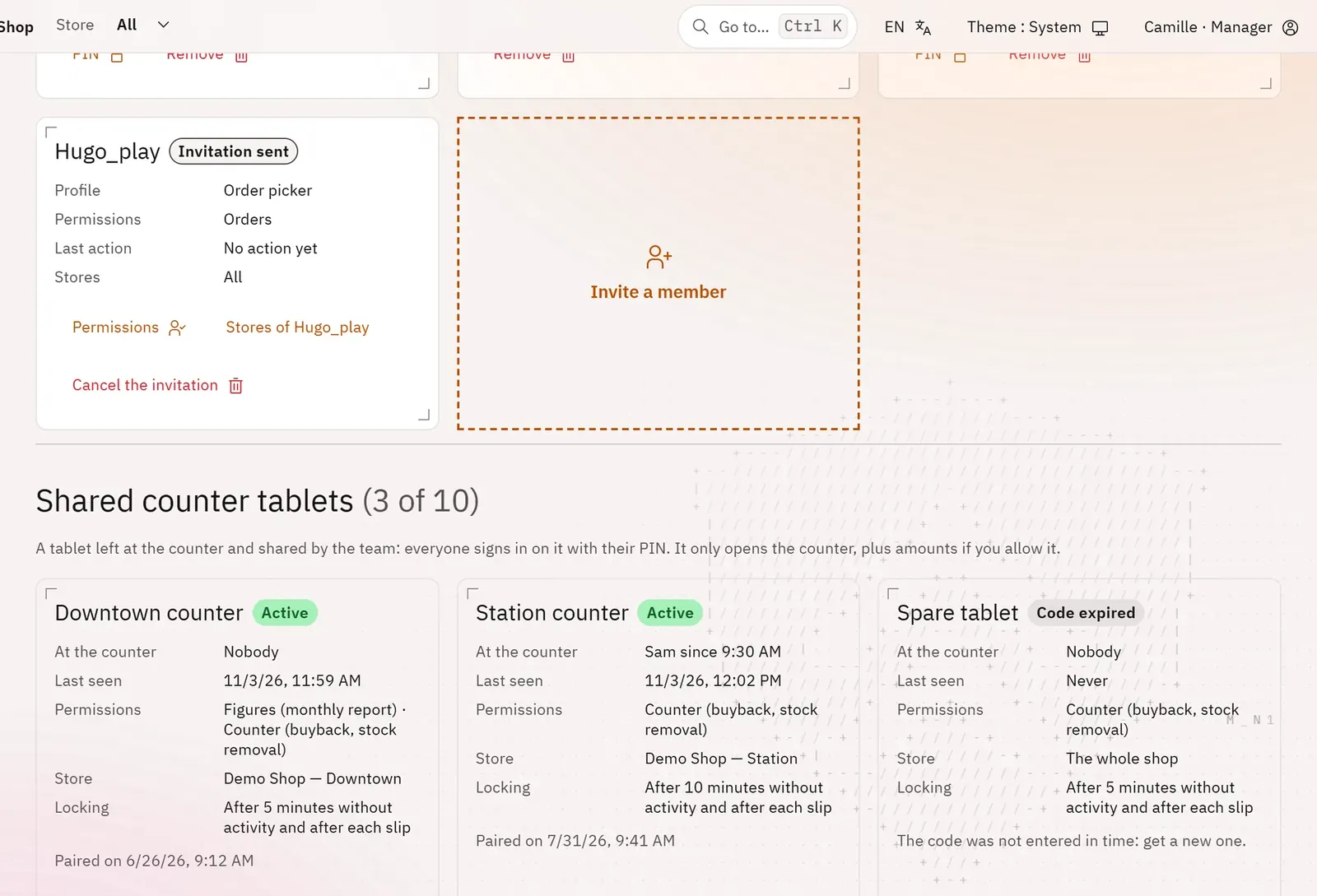 1
- 1The shared counter tablets
What you can do
- For each tablet: its status, who is at the counter and since when, its last sign of activity, its permissions, its store.
- Settings: locking after a few minutes without activity, or after each slip.
- Lock now, Unblock (too many wrong PINs), Revoke.
- Unblock a member who is locked out at the counter.
Step by step
- In Team, Shared counter tablets section, tap Pair a tablet.
- Enter the Tablet name, what the tablet allows and the Store, then Get the code.
- On the tablet, open pro.pyryx.com/poste and enter the code yourself.